Situation Rooms
See it, discuss it,
decide it, act on it,
together
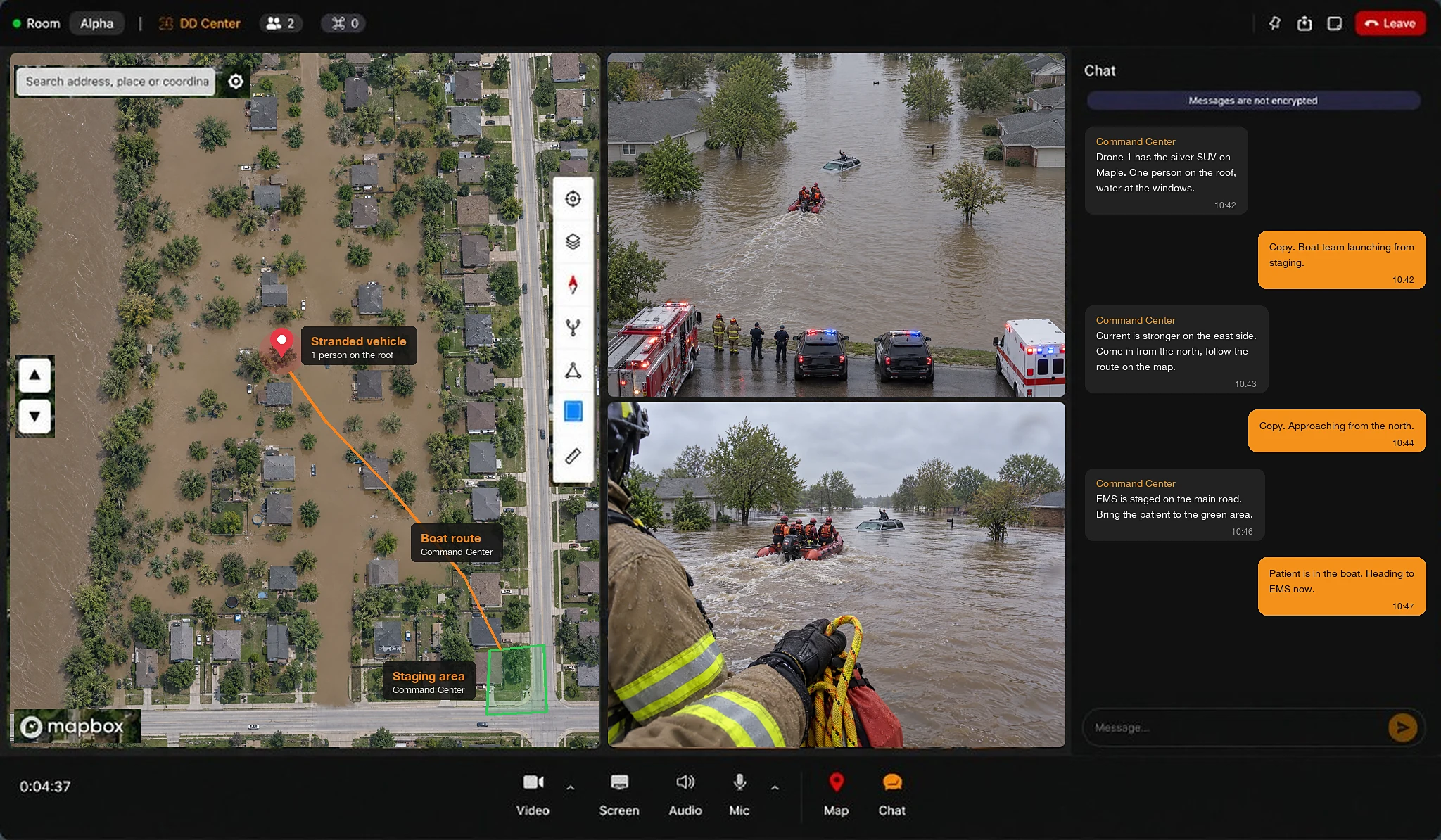
Live video, voice, chat, and a shared map. One room for everyone who has to act.
Part of VOTIX
One of four products:
Situation Rooms is the front door of the platform. Stream, Manage, and Fly sit on the same login.
- Situation Rooms You are here
Coordinate the team around the live video.
- Stream →
Carry the live video in True Real-Time.
- Manage →
Run the program, the fleet, and the records.
- Fly →
Fly the drone and command the dock.
The problem
When the video and the map live apart, nobody sees the same thing.
An operation is under way, and the people who have to act on it are spread across a building, a vehicle, and the site itself.
- Without Situation Rooms:The person in charge narrates.Everyone else acts on the description, not the picture.With Situation Rooms: Everyone works from the video.Drone and camera video, the map, and the team, in one room.
- Without Situation Rooms:Two tools, two pictures.Each person is watching a different screen.With Situation Rooms: One picture, one map.Everyone sees the same pin the moment it drops.
- Without Situation Rooms:The partner is still waiting for access.The other agency and the specialist are outside the call.With Situation Rooms: They are already in the room.Organizations that do not share a login work in the same room.
- Without Situation Rooms:Every shift starts from memory.The call cannot be replayed, so the plan is rebuilt.With Situation Rooms: The next shift starts from the record.What was said and marked stays with the operation.
How it works
Open, invite, work
- LiveHarbor OpsOpen roomRoom occupiedHarbor Ops is live
Open the room
Whoever takes the operation opens it, and an email goes out when the room becomes occupied.
- Copy invite linkNAPartner agencyGuestRSSpecialistGuestCLClientGuest
Invite the team
Guests join on a link, with no new account to create.
- 4 people · 3 orgsShared mapVideoVoice + chat
Work together
Organizations that do not share a login Talk, mark the map, and share a camera while the operation runs.
Inside the room
What is in the room
Where everyone is, what the drone sees, and what the team has said, on one screen.
Sources in one room
- Drones and docks on the supported list
- CCTV and IP cameras
- Bodycams and phones
- The same feed Stream carries
Shared map
- Pins, perimeters, threats, and routes drop for everyone at once
- The pilot on the controller sees the same pin
- Operators and assets tracked live on the map
Voice and chat
- Voice and chat in the room
- The pilot speaks from the controller microphone, without a second phone
- A written thread, so anyone joining can catch up
In the room bar
- Video, screen, audio, and mic
- The map and the chat, one tap away
See a room with your own cameras.
Bring the team in
One room, any device
Nobody waits on an IT ticket in the middle of an operation. The room opens wherever the team already is.
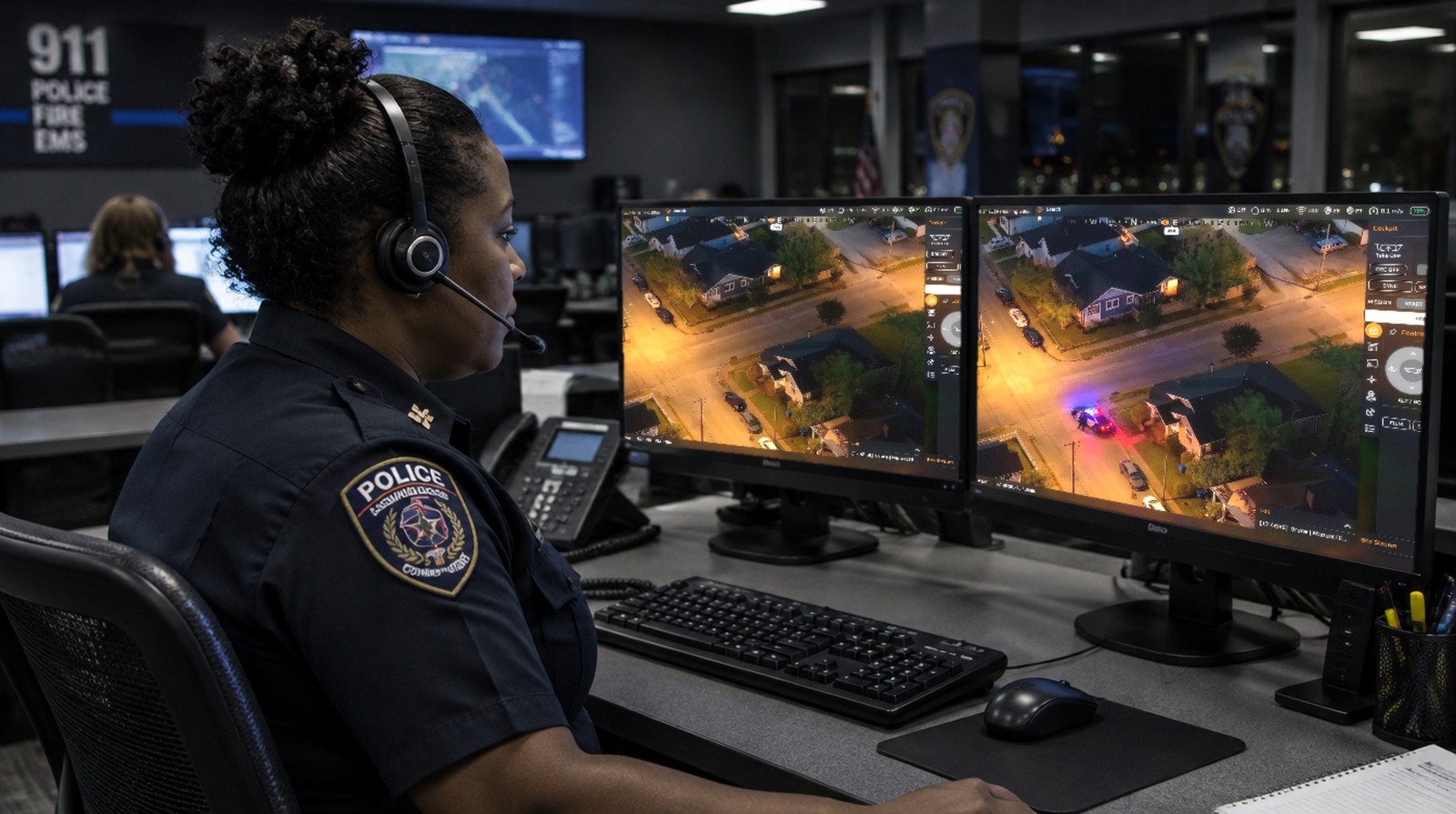 Browser
At the desk
Supervisors run the room in the browser, right next to the systems they already watch.
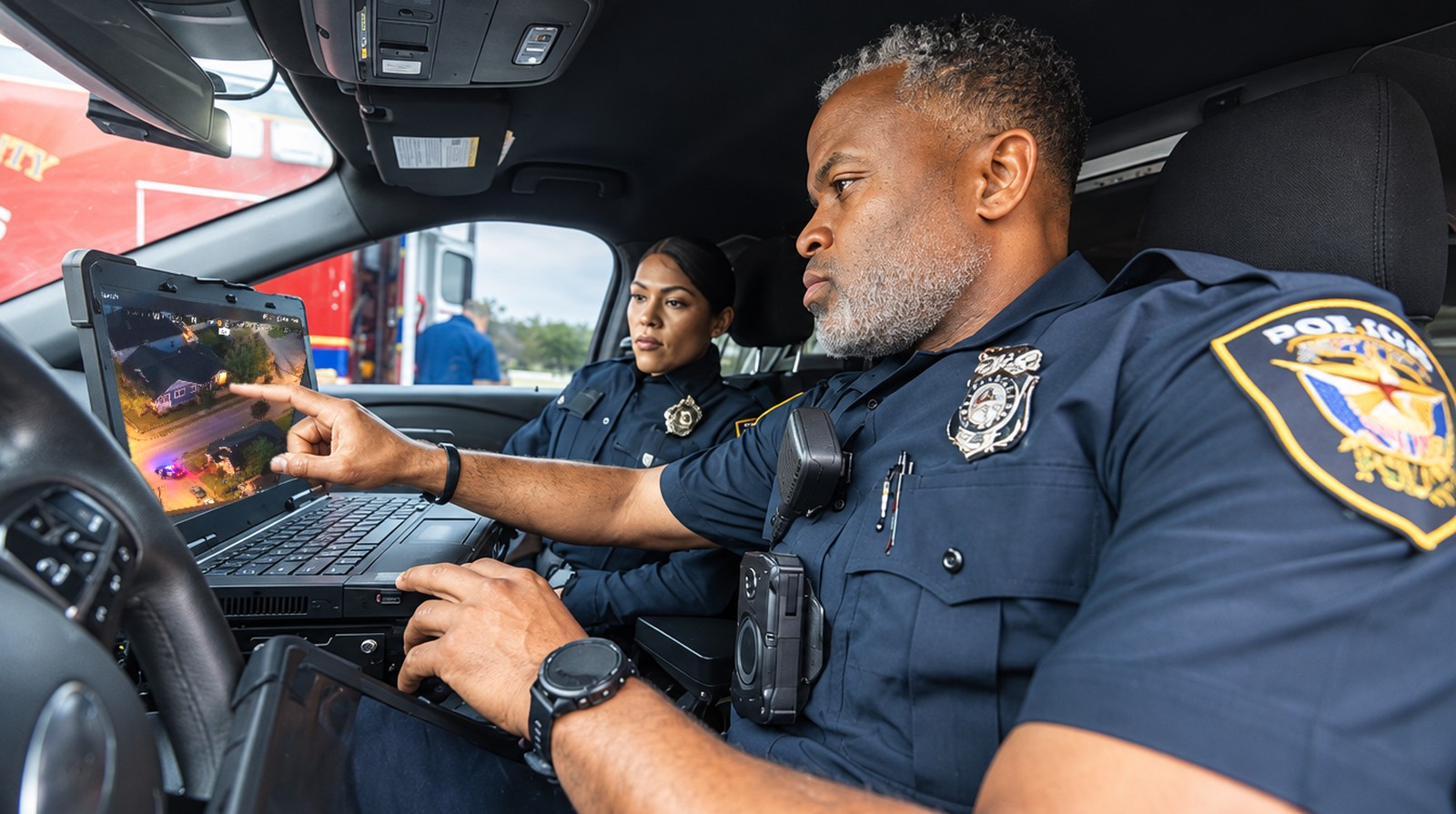 Mobile command post
On the move
The same room travels with the mobile command post. No relay box on the truck.
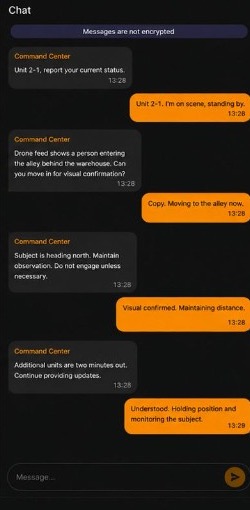 Phone app
In hand
Field teams mark the map, share a camera or screen, and sync flight records.
Max in the room
The agent inside the operation
Ask Max
The AI agent that lives inside VOTIX. It answers in the panel, and out loud.
- Type it in the panelMax catches the room up in writing.
- Say it out loudMax answers in the panel, and out loud.
Paid capability · Turned on by your organization
Catch me up on this room.
Room summary:
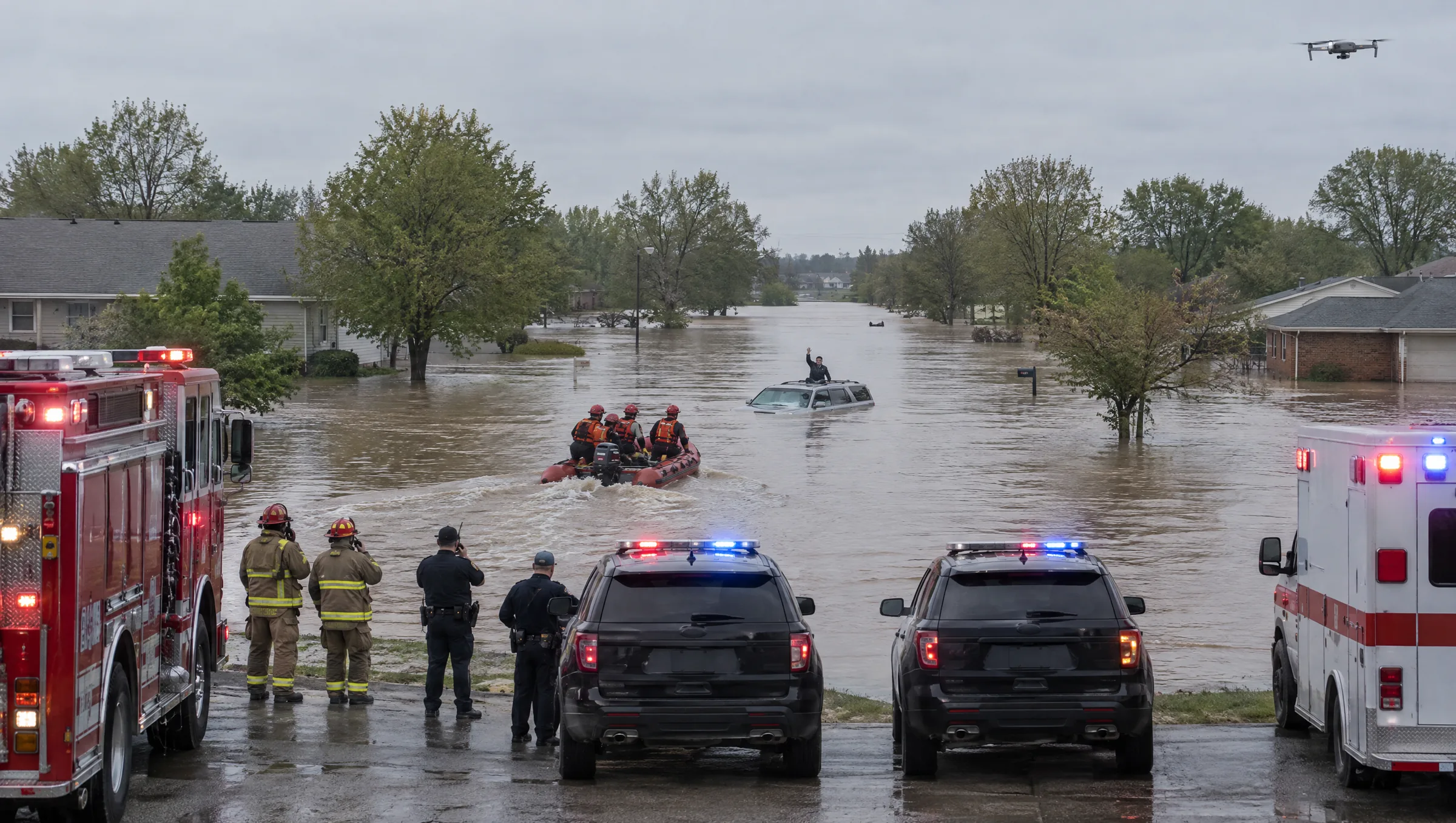
- The boat team reached the silver SUV.
- One person was on the roof. Now in the boat.
- EMS is staged on the main road.
What is that camera?
That is the helmet camera of the firefighter at the water's edge.
Answered out loud to you. Never on the room's radio.
The same agent in every product
Who uses it
A room for the way your team works
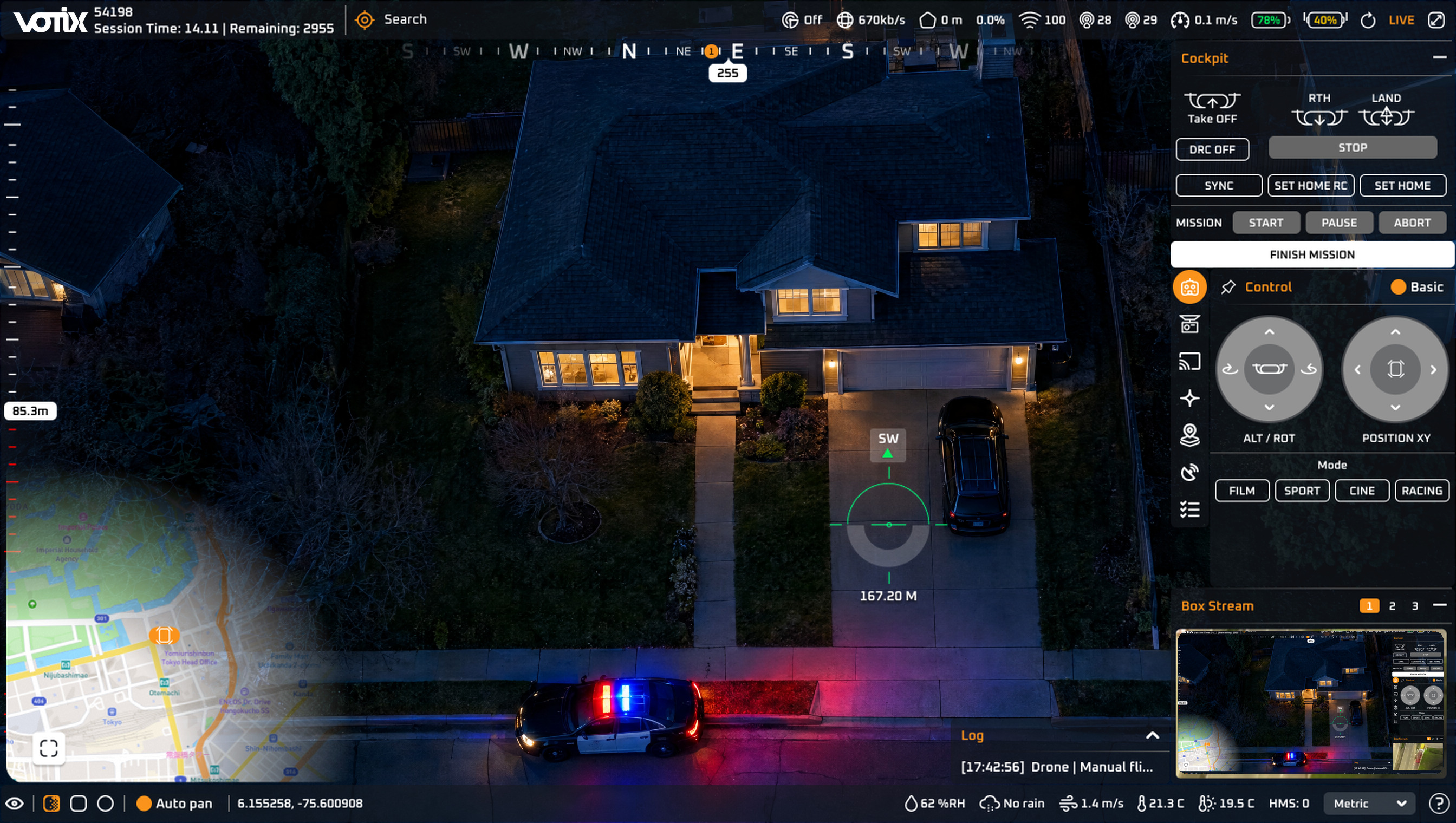
Public safety
Dispatch, supervisors, and the next agency act on one call.
See the use caseWithout the room
A radio, a line of text from dispatch, and a video window that arrives late.
One VOTIX room
- Dispatch
- Supervisors
- Responding units
- Neighboring agencyGuest
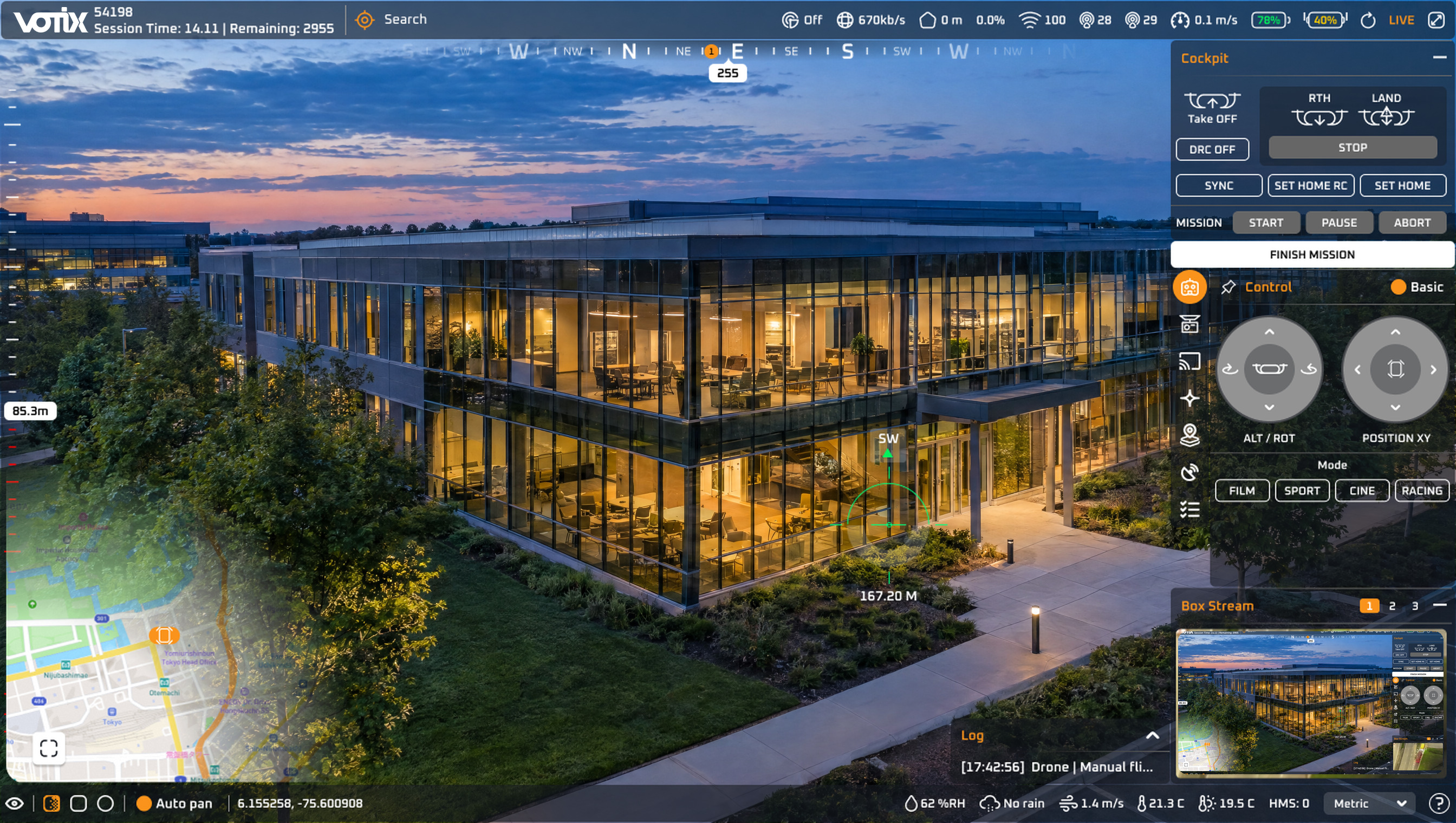
Security operations
The desk guides the guard with the live video.
See the use caseWithout the room
The guard on the phone and the desk on the radio, each describing a different picture.
One VOTIX room
- Operator at the desk
- Guard on a tablet
- Drone video + CCTV
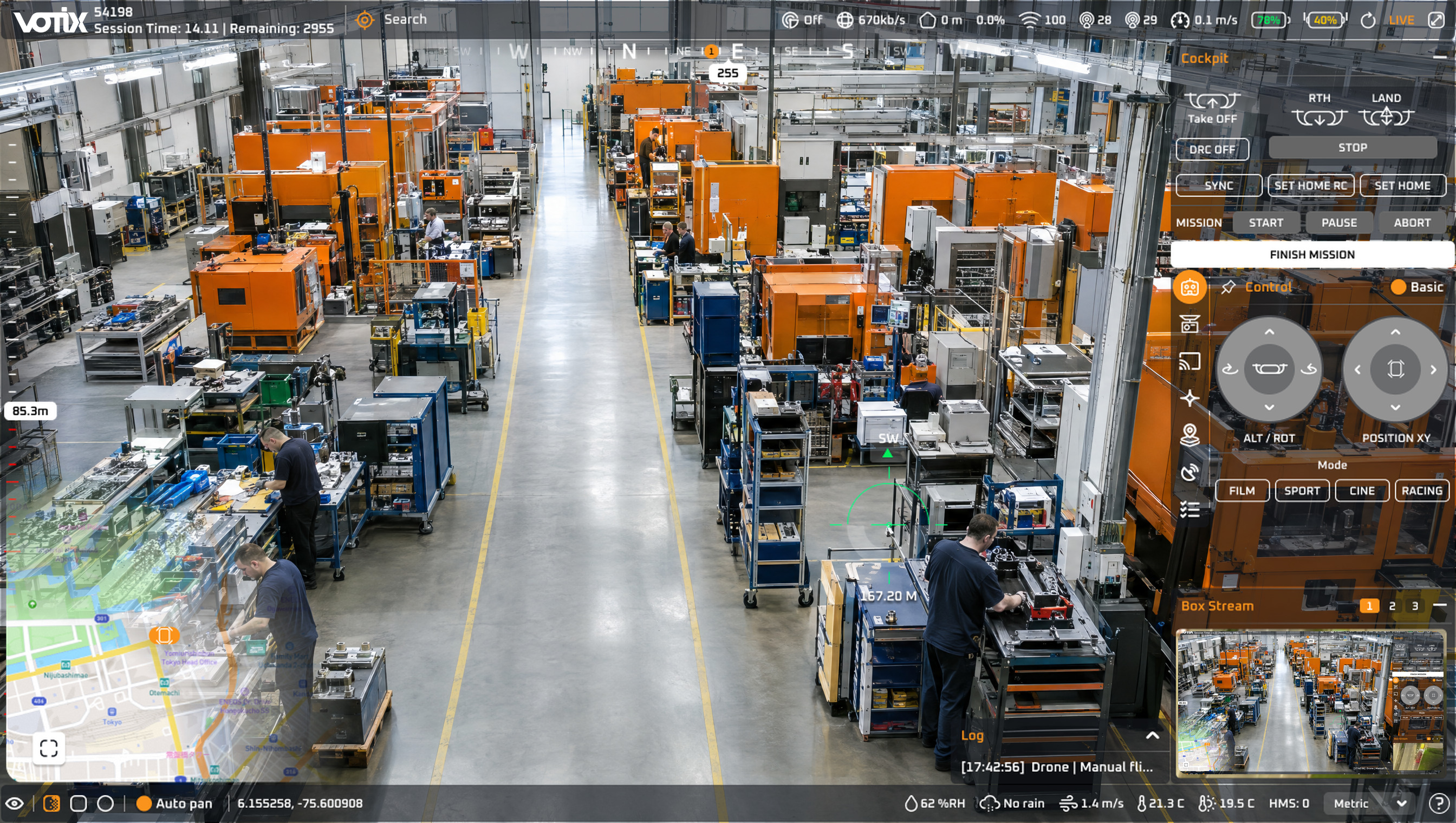
Inspections and enterprise
The specialist guides the site without traveling to it.
See the use caseWithout the room
Files after the fact, and a specialist traveling to see what someone could show them live.
One VOTIX room
- Team on site
- Remote specialistGuest
- Client of the flightGuest
FAQ
Situation Rooms,
answered
The questions teams ask before their first room.
Does the room replace our radio?
No. Voice in the room runs next to the radio, so the channel it already runs on stays free for the traffic it is meant to carry.
What does a room run on?
On the same feed Stream carries, so the room is usable for decisions and not only for watching. Drones and docks from different manufacturers report into the same room, so the fleet already in service stays.
Do we need a dock or a special workstation?
No. A room needs no dock and no special workstation to start.
Where can I review hosting and integrations?
Review the shared foundation on Platform Overview and explore Integrations for software and API access.