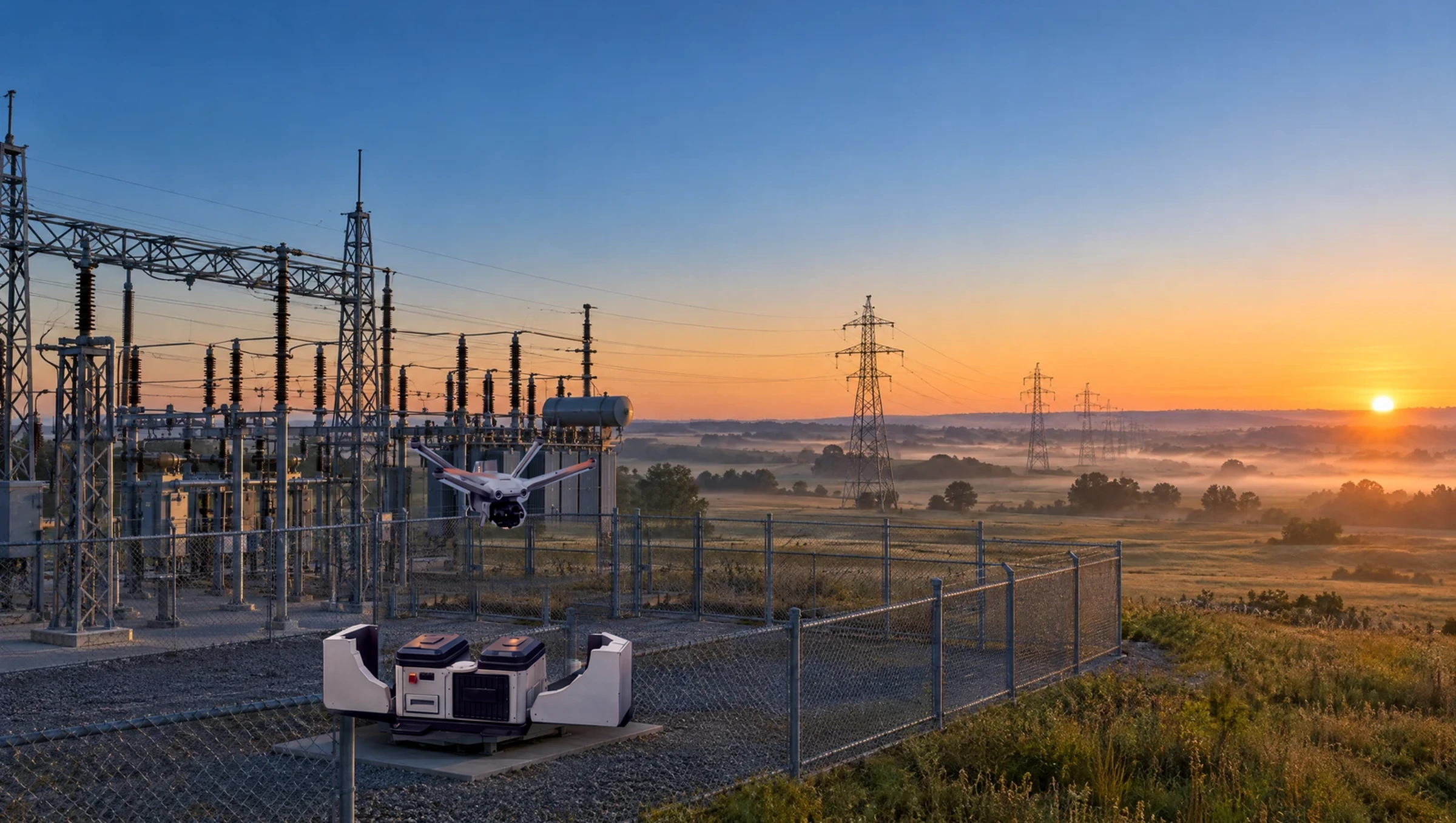
Manage
The program
behind the flights
Manage is where VOTIX runs the drone program: who can fly, what they fly, the rules they fly under, and the record every flight leaves.
Part of VOTIX
One of four products:
Fly, Stream, and Situation Rooms run the mission. Manage is everything around it, on the same login.
- Situation Rooms →
Coordinate the team around the live video.
- Stream →
Carry the live video in True Real-Time.
- Manage You are here
Run the program, the fleet, and the records.
- Fly →
Fly the drone and command the dock.
The problem
A drone program outgrows the way it started
Most programs start small and work because everyone knows everyone. Then they grow, and nothing else changes.
- Without Manage:Who launched it?The record can't say. Everyone shares one login.With Manage: Everyone flies as themselves.Each person has a role, so the record says who launched.
- Without Manage:Where is the footage?Still on the drone. Lose the drone, lose the records.With Manage: The records leave the drone.Photos and video can leave the drone after landing.
- Without Manage:Where was it planned?In a spreadsheet, apart from the flight.With Manage: Planned where it is flown.The plan and the flight are one record.
- Without Manage:Was the license current?It expired last month. Nobody saw it.With Manage: Gaps are flagged.Missing logs and license terms show up as an advisory.
How it works
Plan, approve, record
 Flight planMissionZoneConflict zonesLAANC
Plan the flight
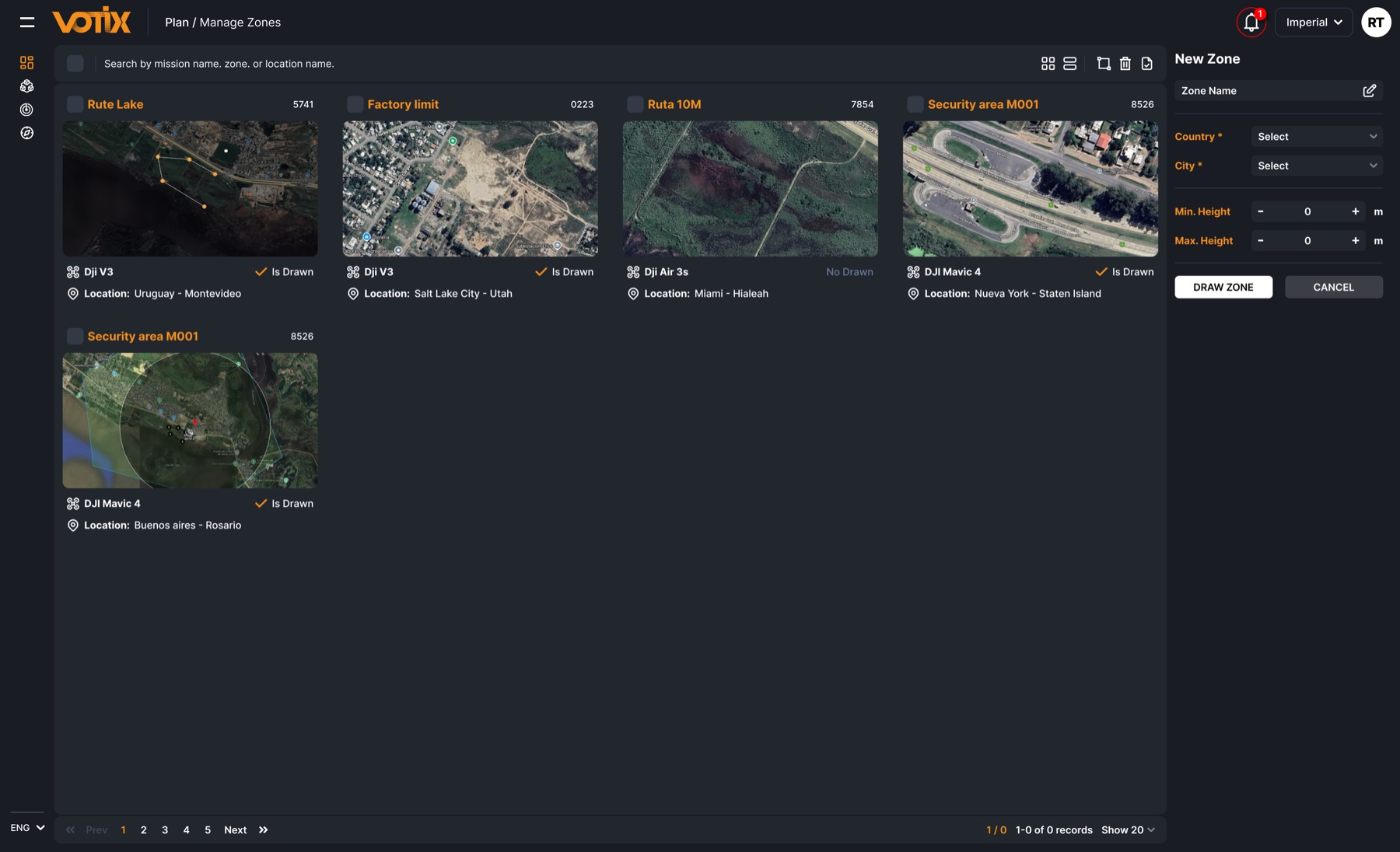
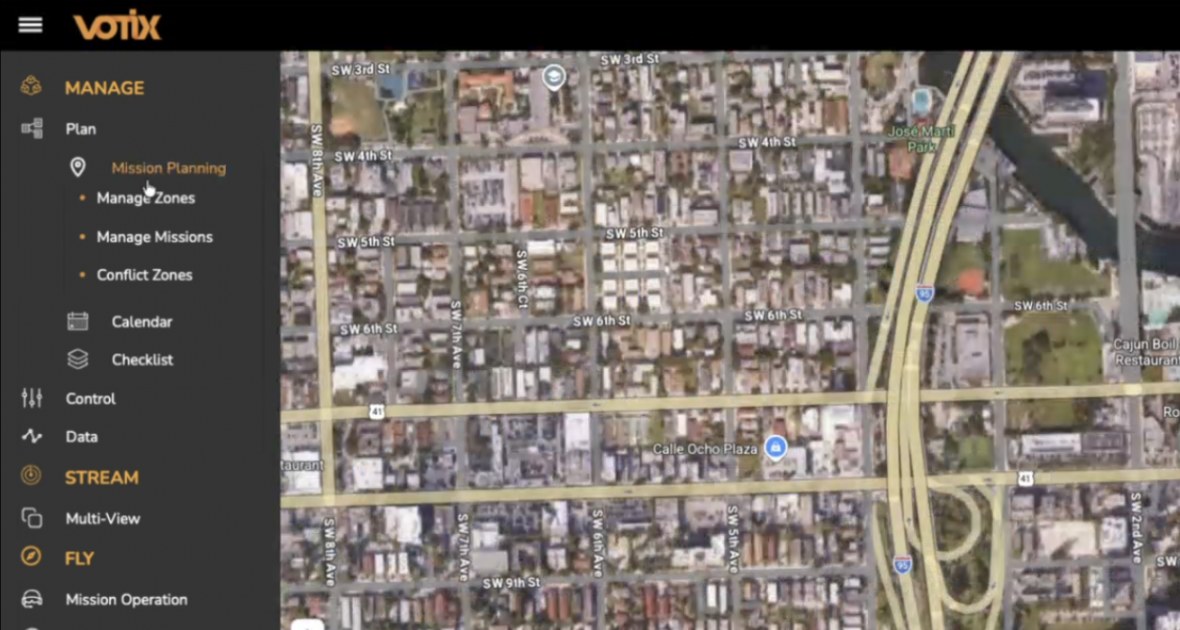
Missions, zones, and the calendar, with the airspace paperwork (LAANC) attached to the flight.
- ChecklistPre-flightIn flightPost-flightApproved on the server
Approve the launch
Checklists gate the launch on the server, not on the controller.
Keep the record
Telemetry, GPS, and battery stay tied to the mission, ready to replay.
Everything in Manage
What the program runs on
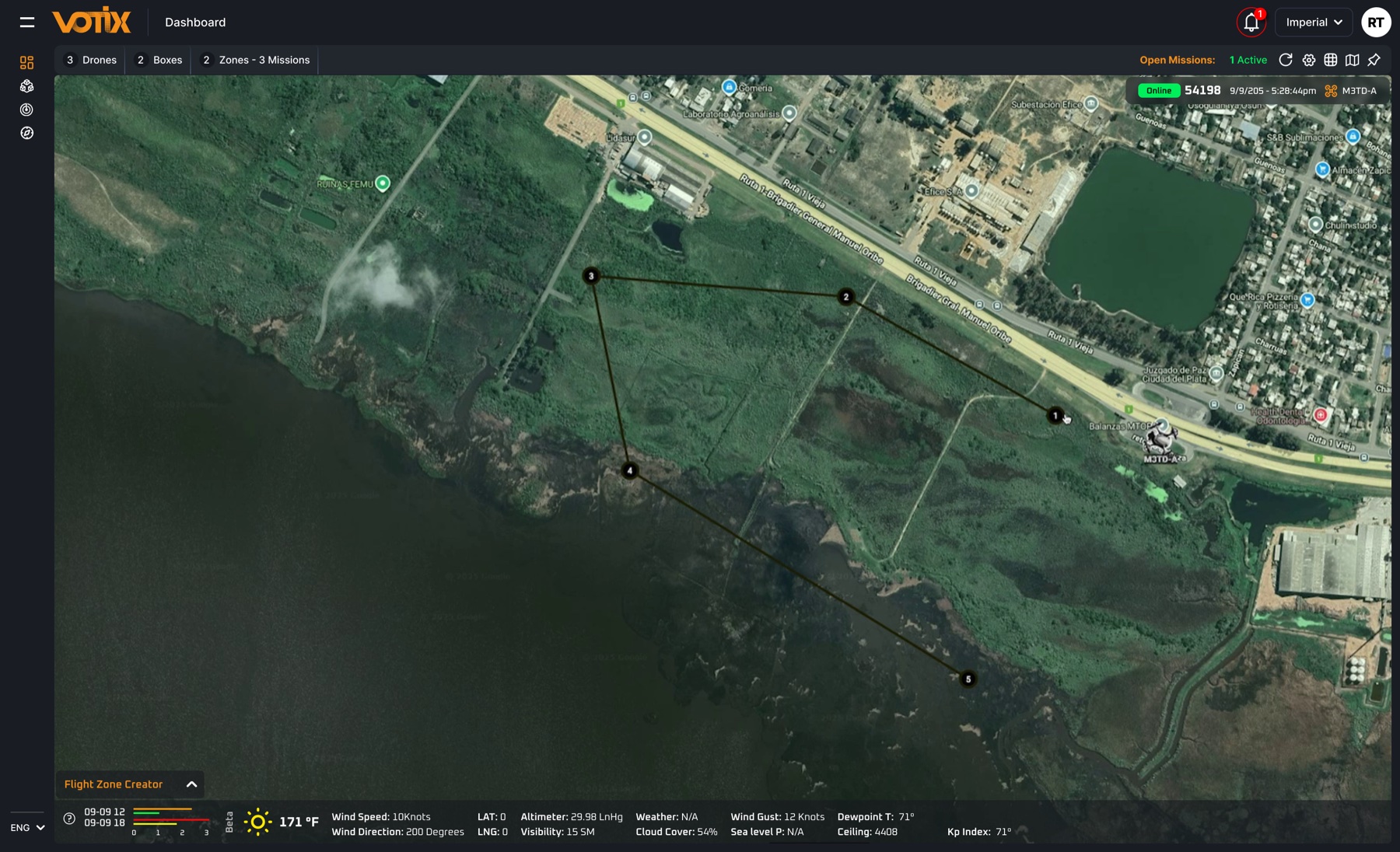
Pick an area to see where it lives on screen.
People and fleet
- Pilots, drones, docks, and checklists, across several sites
- A role for each person instead of a shared password
- Several sites and several tenants in the same program
- SSO when the organization already uses it
- Mixed brands in the same program
Planning
- Missions, zones, conflict zones, and the calendar
- LAANC and the paperwork a US program actually runs
- Max can draft a zone after you confirm
Dashboard map
- Live drones and last known position
- Open missions at a glance
- 3D globe and orbit
- Dock cards, and rooms on the map
Weather
- Weather on the dashboard: wind, gusts, visibility, cloud cover
- The space-weather index
Approvals and checklists
- Checklists by phase: pre-flight, in flight, post-flight
- A launch gate on the server, not on the controller
- Launch anyway, when someone has the authority, and it goes on the record
Records and reports
- Air time, distance, height, battery, telemetry, and GPS, tied to the mission
- Replay the flight
- Reports: agency, operations, pilot, fleet, streaming minutes
- Photos and video can leave the drone after landing
Compliance
- Missing logs and license terms, flagged as an advisory
- Max can surface a compliance gap
- VOTIX does not file with a regulator
Integrations
- Records to an RMS and other systems through API Suite
- The administrator decides what each system can see
- Identity stays yours, with SSO
Want the full tour of the program?
Who does what
Four roles in the program
Program owner
Sets the rules and sees every site.
Chief pilot
Builds the checklists and approves the flight.
Pilot
Sees only what they are cleared to fly.
Administrator
Decides how the team logs in and which systems can pull the record.
Max in Manage
The agent inside the operation
Ask Max
The AI agent that lives inside VOTIX. In Manage, it works on the program with you.
- Summarize a flight
- List the calendar
- Book one flight after you confirm
- Draft a zone after you confirm
- Queue a report
- Flag a compliance gap, like a missing log or a license term
Paid capability · Turned on by your organization
Summarize the last flight.
Flight summary:
- Roof inspection at the north site.
- Checklist complete before launch.
- The recording is tied to the mission.
Book one flight for Thursday at 9.
One flight, Thursday at 9:00. Confirm and I will book it.
Nothing is booked until you confirm
The same agent in every product
Who uses it
For the teams that run the drone program
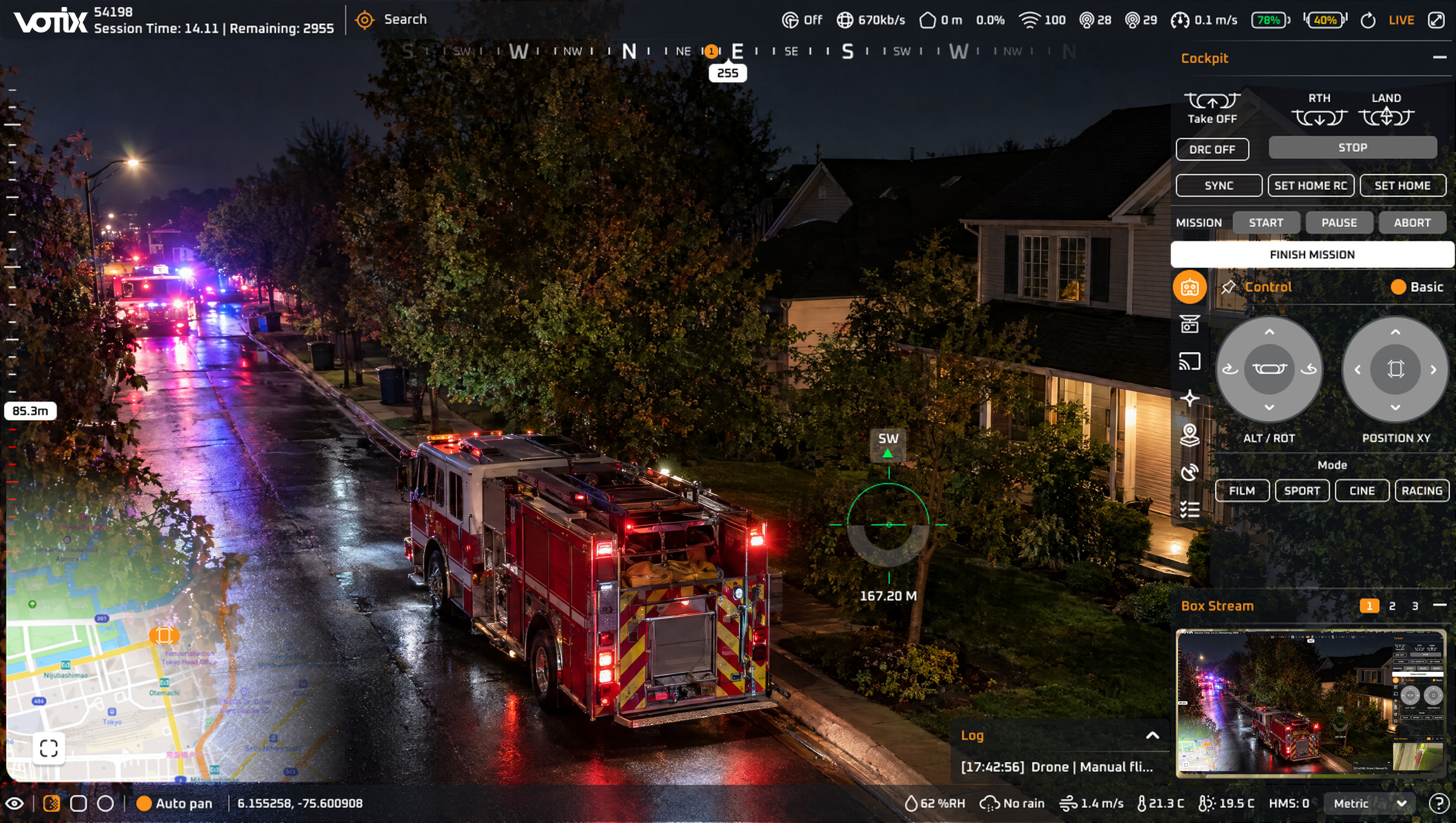
Public safety
The flight record is ready when the case is reviewed.
See the use caseLong after the call closed
The approval and the footage stay with the flight.
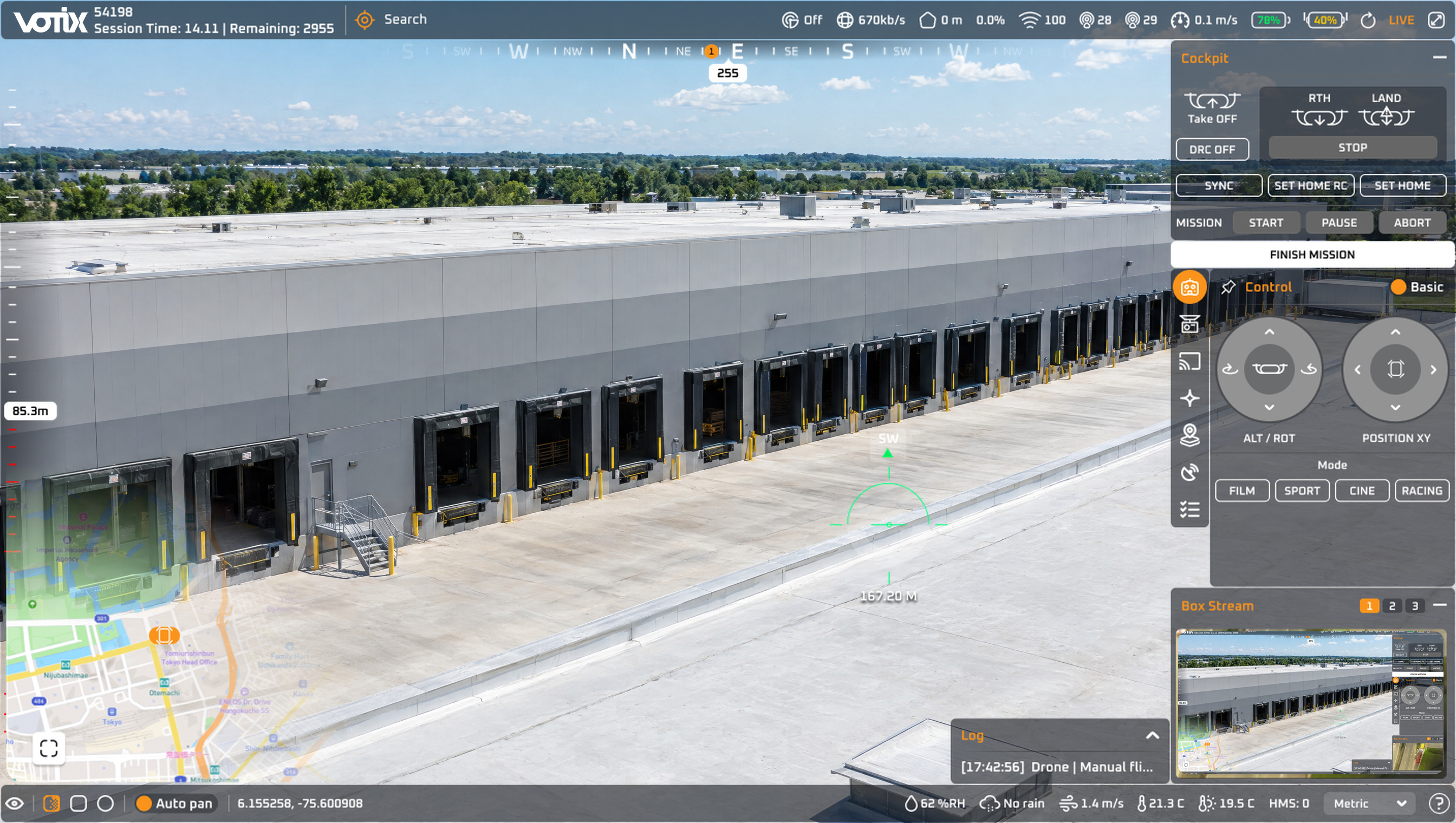
Security operations
The same patrol flight happens the same way on every shift.
See the use caseBetween calls
Scheduled from the calendar, flown from the same checklist.
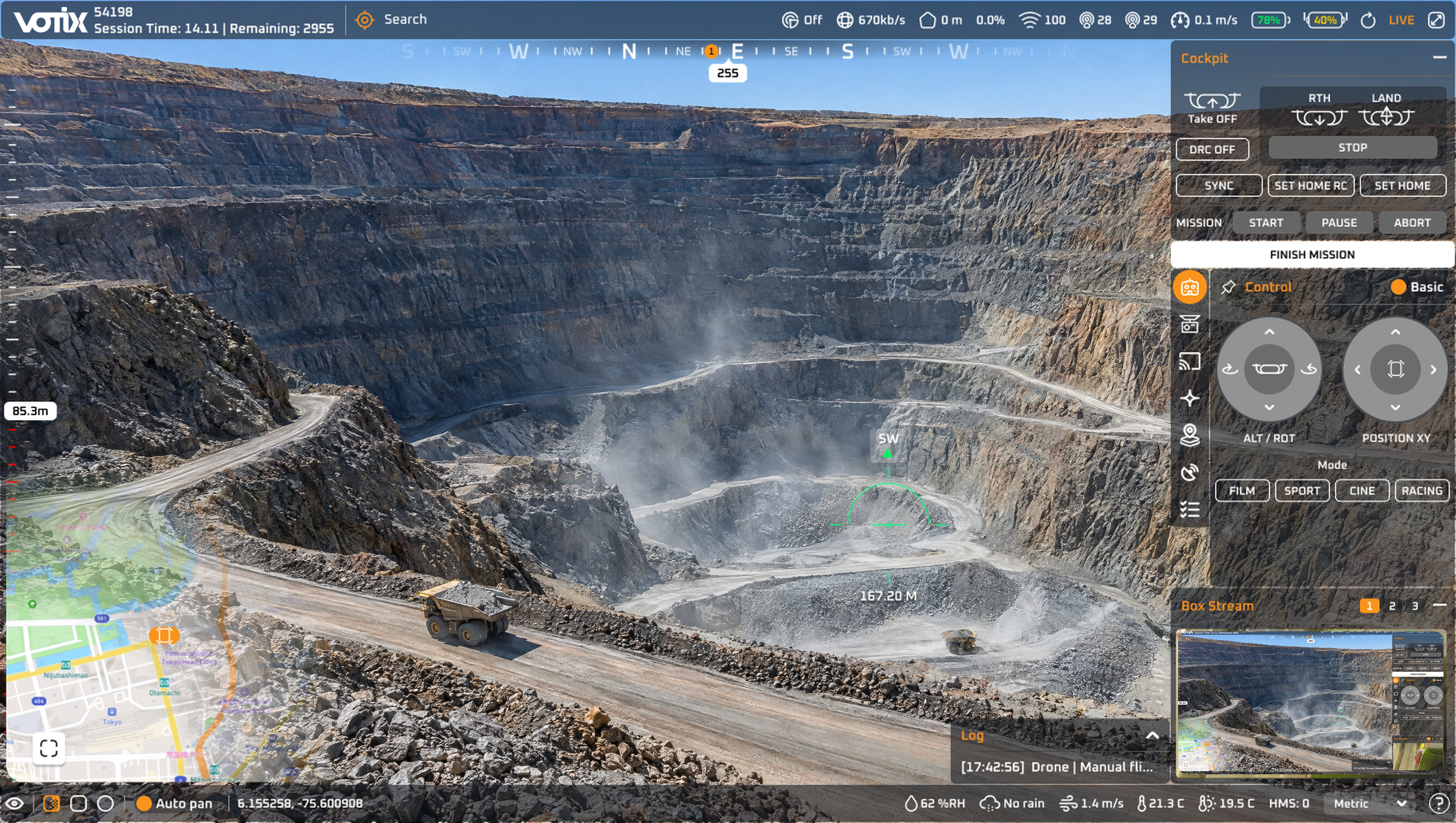
Inspections and enterprise
Each site and each client stays separate, in the same program.
See the use caseMixed fleet
Drones from different brands sit in the same program.