Fly
The cockpit,
in the browser
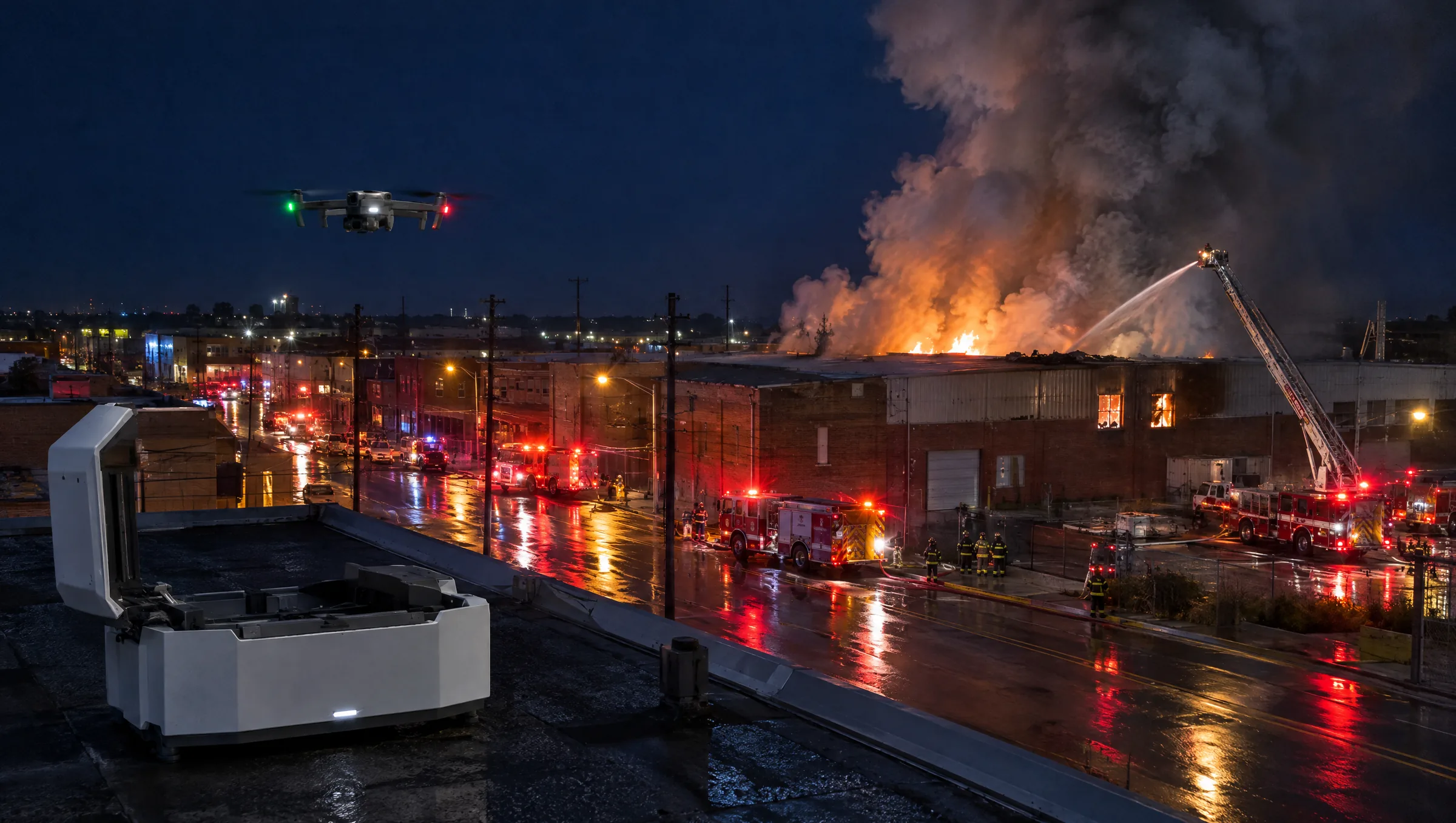
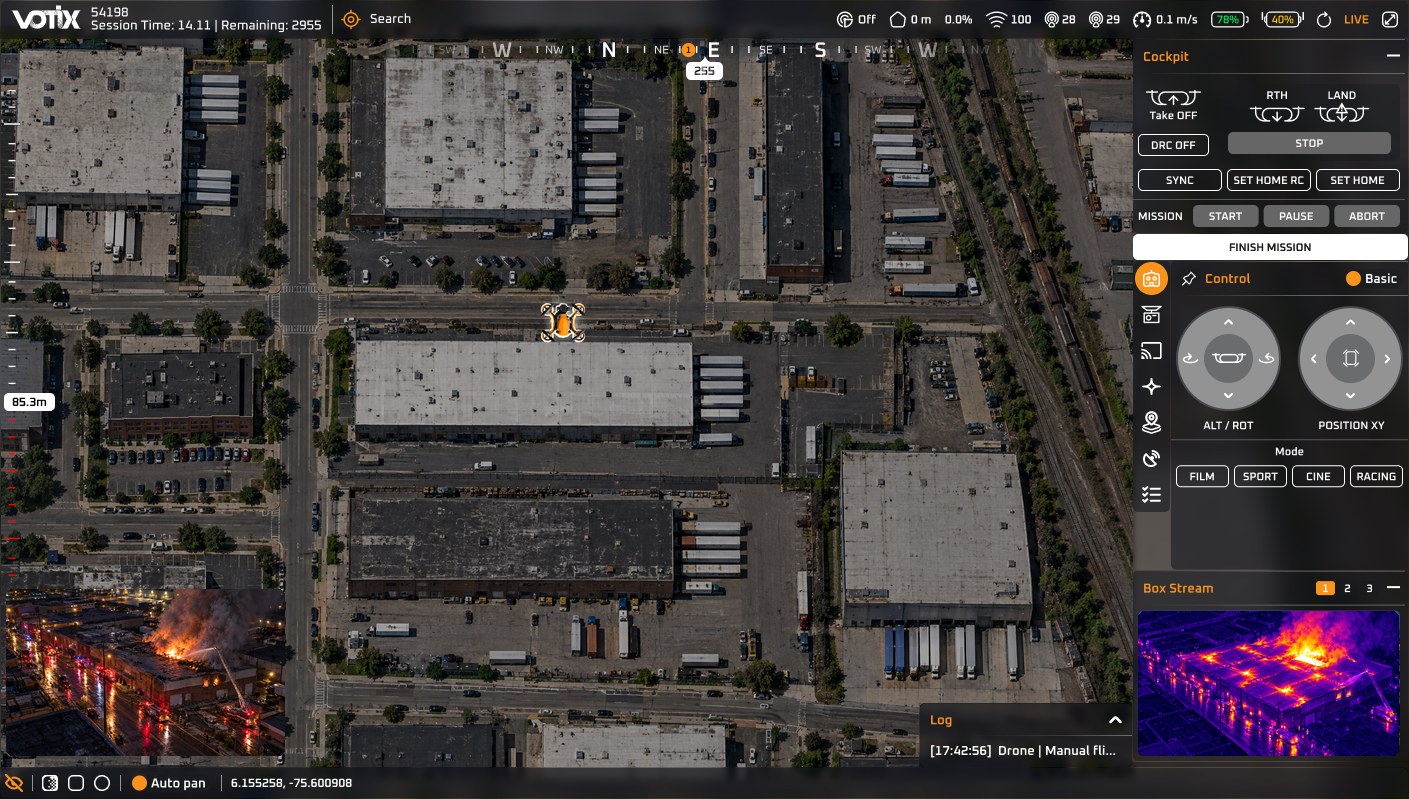
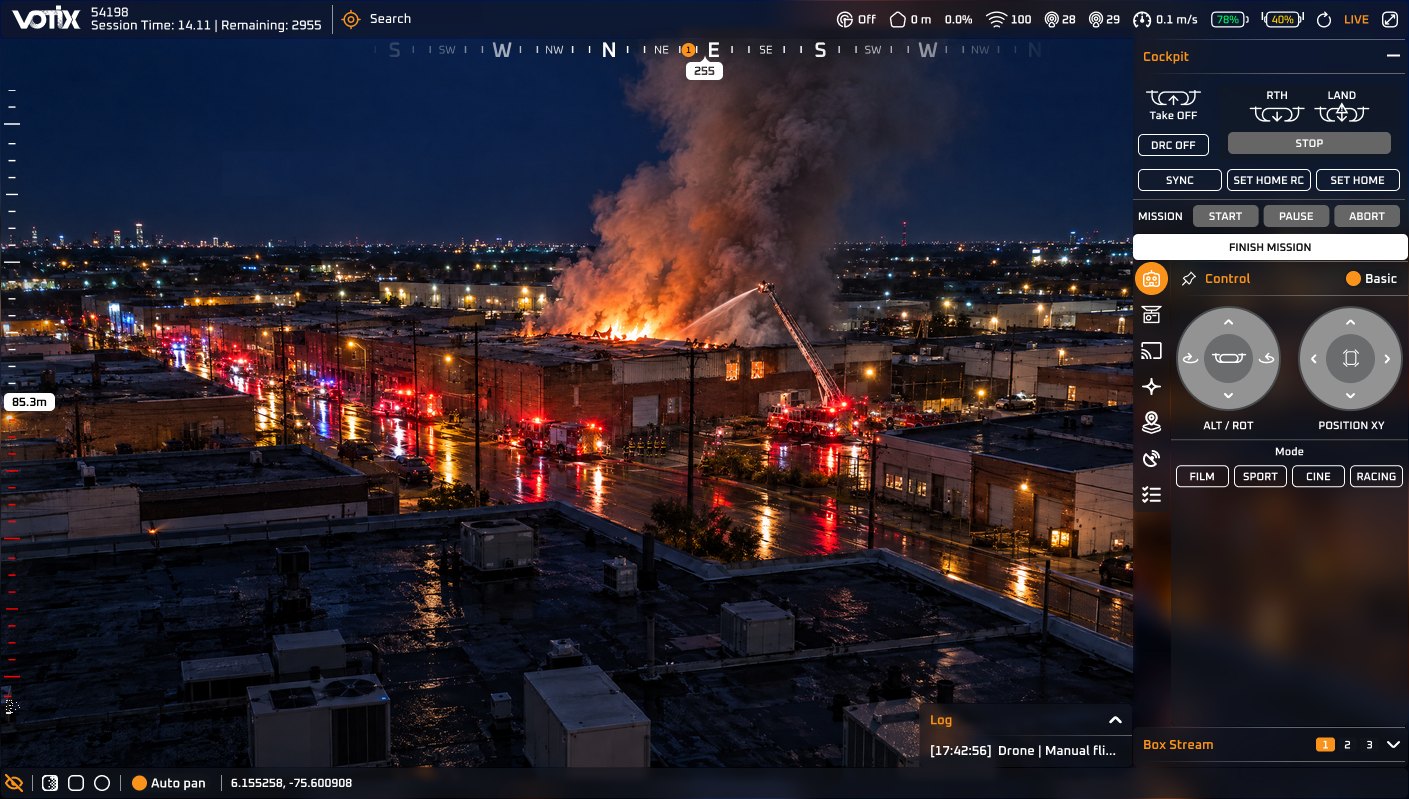
A pilot flies the drone, works the camera, and commands the dock. The team follows it live.
Part of VOTIX
One of four products:
Situation Rooms brings the team together, Stream carries the video, and Manage runs the program. Fly puts the pilot on the drone.
- Situation Rooms →
Coordinate the team around the live video.
- Stream →
Carry the live video in True Real-Time.
- Manage →
Run the program, the fleet, and the records.
- Fly You are here
Fly the drone and command the dock.
The problem
When flying means standing next to the drone, only one person can do it
- Without Fly:The flight waits for a drive.Someone has to reach the site before the drone goes up.With Fly: Fly from wherever you are.From a desk or a vehicle, before anyone reaches the site.
- Without Fly:The dock sits outside the operation.It is commanded from another tool.With Fly: The dock is in the same cockpit.A drone waiting on a roof is part of the operation.
- Without Fly:The team listens to a description.The video arrives late and the map is in another window.With Fly: The team sees the flight.A supervisor can watch it without taking the controls.
- Without Fly:The person who knows the site holds the controller.So that is all they can do.With Fly: The person on site works the site.A pilot somewhere else takes the drone.
How it works
Fly, command, see
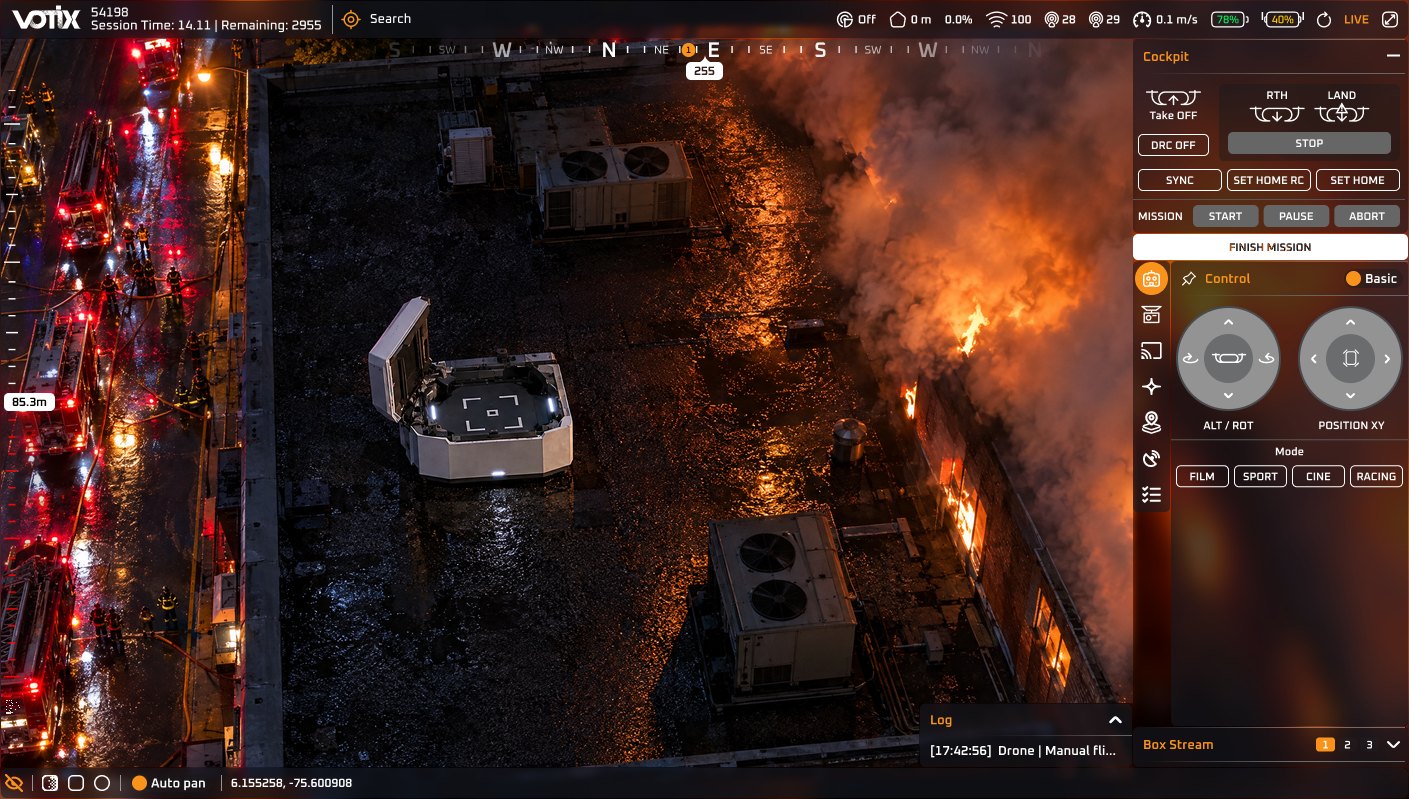
 Take offReturn homeLand
Fly the drone
On-screen sticks, a gamepad, or a keyboard. Whatever the pilot prefers.
 SpeakerSpotlightLaser
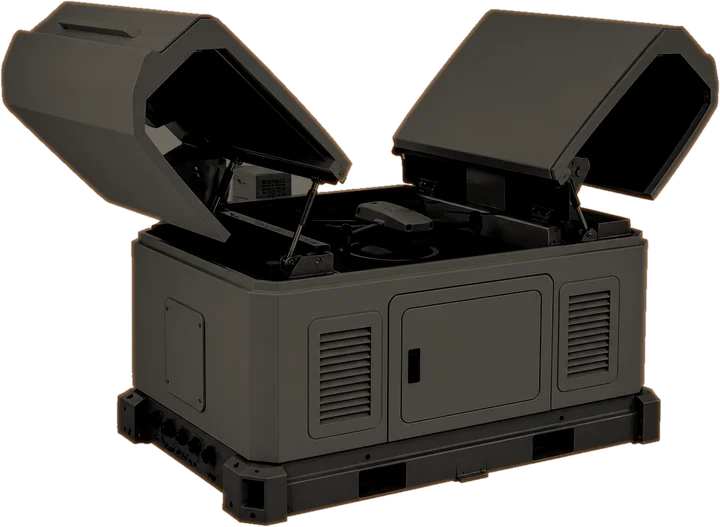
Command the dock
Speaker, spotlight, and laser from the same screen, where the dock supports them.
 4×
 Thermal
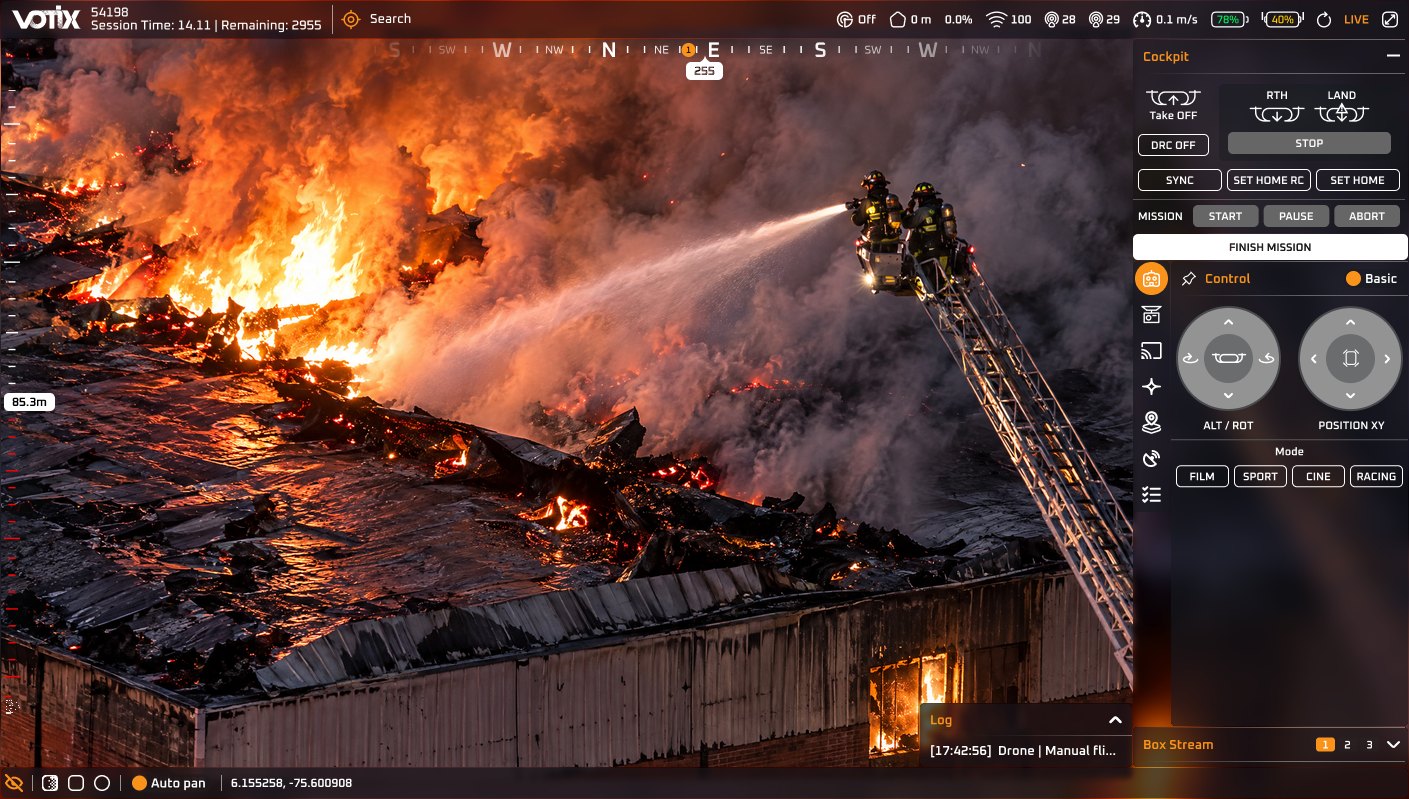
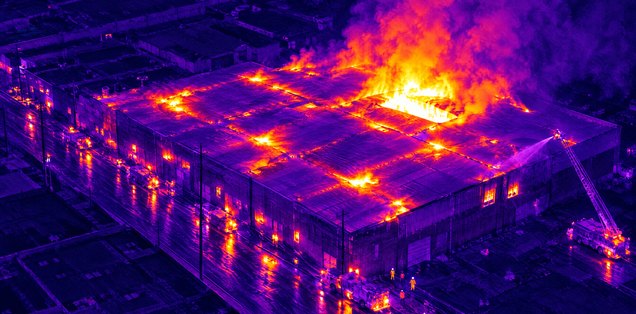
See every detail
Zoom in and switch to thermal on the same drone. A second person can run the camera.
Everything in Fly
What the cockpit can do
Pick an area to see where it lives on screen. The exact drone and dock are confirmed in the demo.
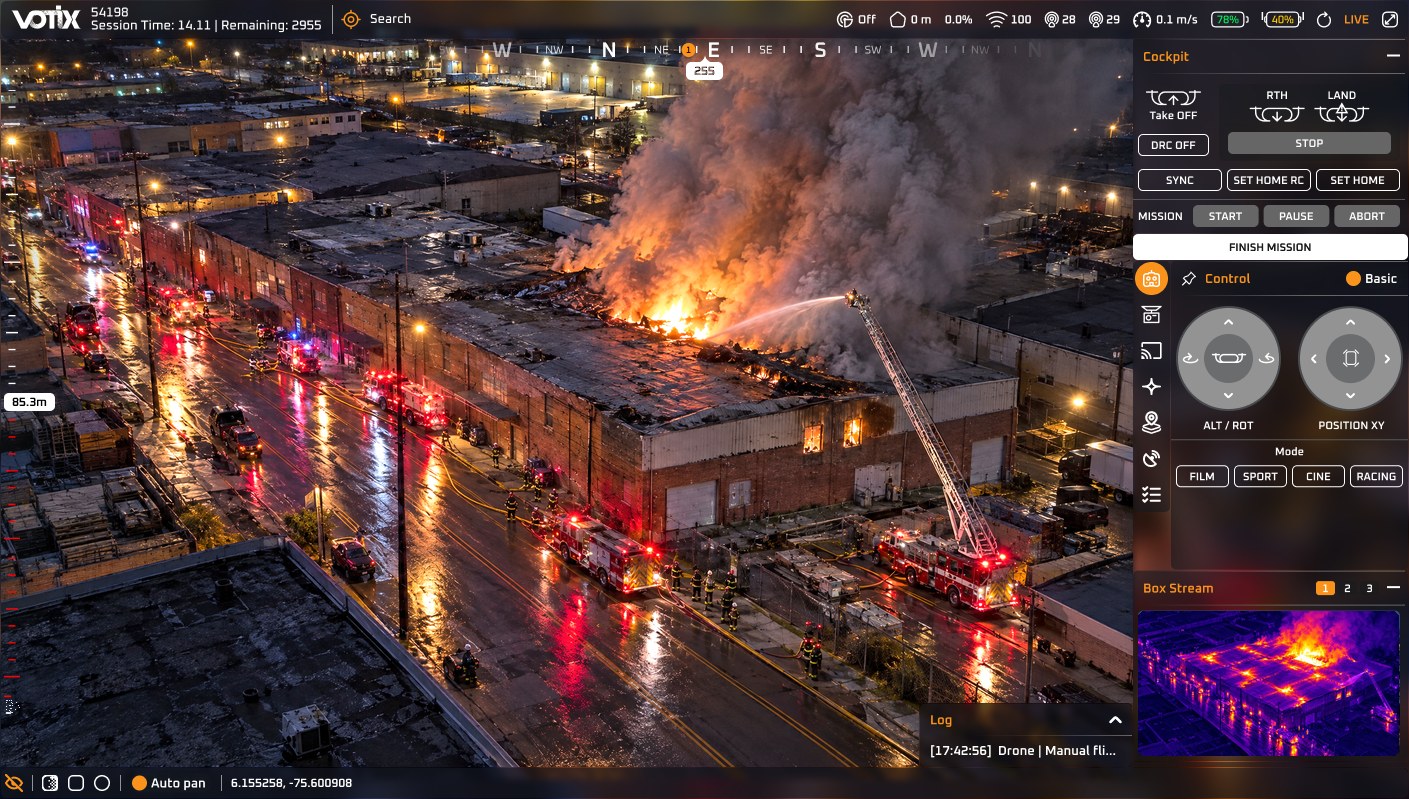
Drone and mission
- Takeoff, return home, land, and STOP
- Start, pause, abort, and finish a mission
- On-screen sticks, basic or advanced
- Gamepad, keyboard, or a second joystick
- Flight modes where the drone supports them: Film, Sport, Cine, Racing
Camera
- Photo and video, recording with a timer
- Exposure, zoom up to 4×, pitch
- Wide, zoom, and split lenses
- Thermal palette, focus, and auto pan
- Switch cameras on the same drone
On the live video
- Streets, addresses, boundaries, and tactical markers (AR)
- Detection: person, car, truck, bus, bicycle, motorbike
- License plates: LPR and LPR V2 (Beta)
- The camera can track. A person still flies the drone
On screen while flying
- Live tag, session time, time remaining
- Altitude, heading, compass, satellites, signal
- Batteries, speed, and drone health
- Weather: humidity, rain, wind, temperature
- Coordinates and the street name
Widgets in the rail
- Move control, camera, streaming, VOTIX AI, AR, telemetry, checklist, box stream
- Share a live link by email
- Pin or collapse any widget
Docks
- Command the dock from the same cockpit
- Speaker, spotlight, and laser where the dock supports them
- Broadcast voice to the scene from a browser
Safety on the controller
- Precision landing and safe landing
- Geofence, conflict zones, and slow-down rings
- Smart RTH and post-flight upload
- ADS-B or Remote ID traffic, when the organization has it
Where it runs
- Desktop cockpit
- Map cockpit
- Phone
- Tablet
Want the full tour of the cockpit?
Max in Fly
The agent inside the operation
Ask Max
The AI agent that lives inside VOTIX. In Fly, it works next to the pilot.
- Send the nearest drone to an address
- Check the dock and the drone, with weather and airspace as advisory
- Talk you through what the flight is doing
- Press a cockpit button, like return home, pause, or zoom
Paid capability · Turned on by your organization
Send the nearest drone to 123 Main St.
Nearest available: Station 4 dock
- 1.2 miles away. About 90 seconds.
- Next closest: Station 7 dock, 2.6 miles.
- DFR flight set up to 123 Main St.
Launch now?
You confirm every launch. Max never flies the stick.
The same agent in every product
Who uses it
For the teams that fly from wherever they are
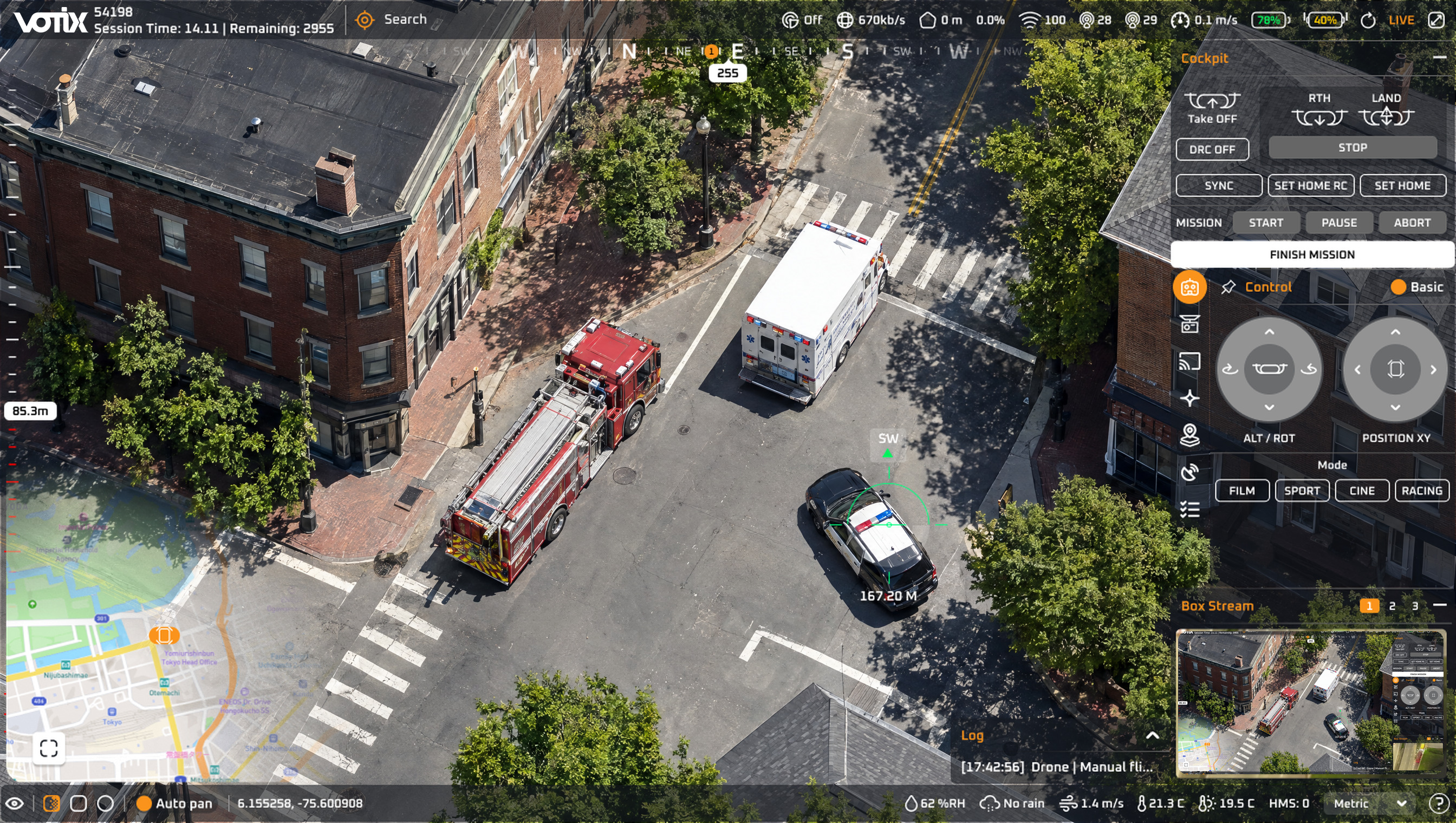
Public safety
The pilot sends the dock's drone to the call.
See the use caseFlown from
The operations room, not the scene.
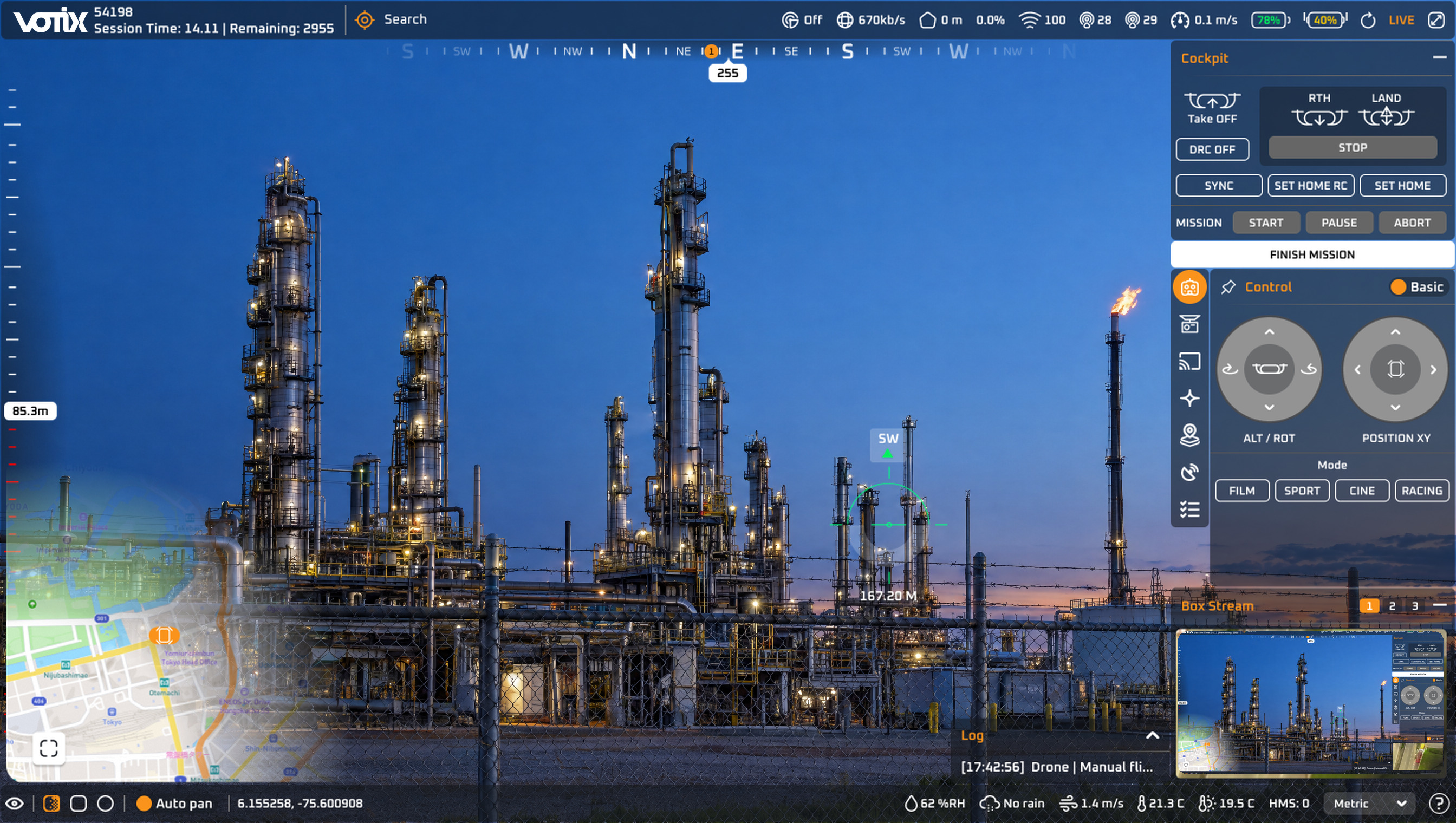
Security operations
The operator takes the drone to the alarm.
See the use caseBetween alarms
Scheduled routes run from the dock, and a person looks before anyone is sent.
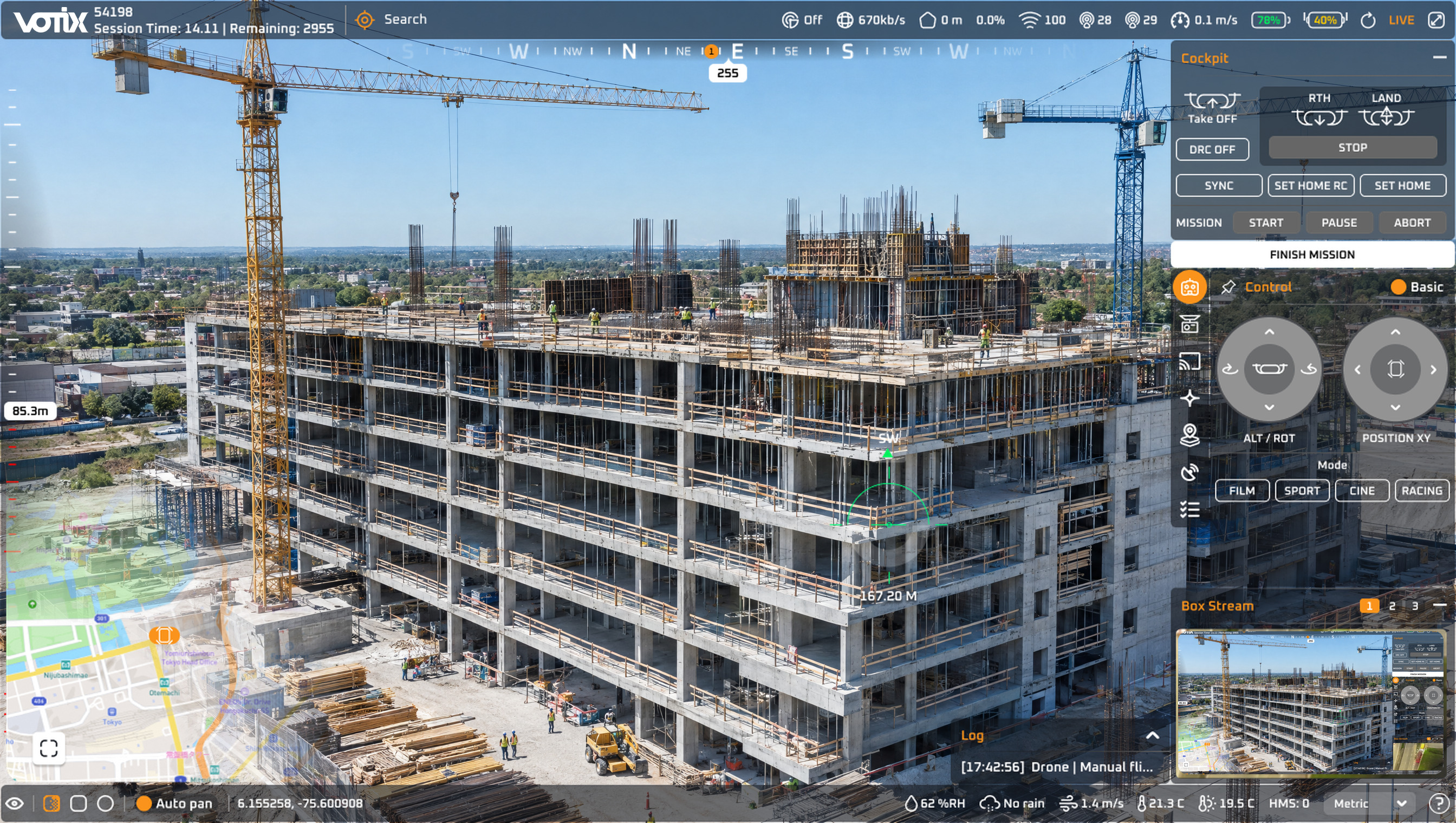
Inspections and enterprise
One qualified pilot covers several sites in a day, without driving between them.
See the use caseRemote specialist
Sees the video without being on site.