Stream
True Real-Time,
any camera
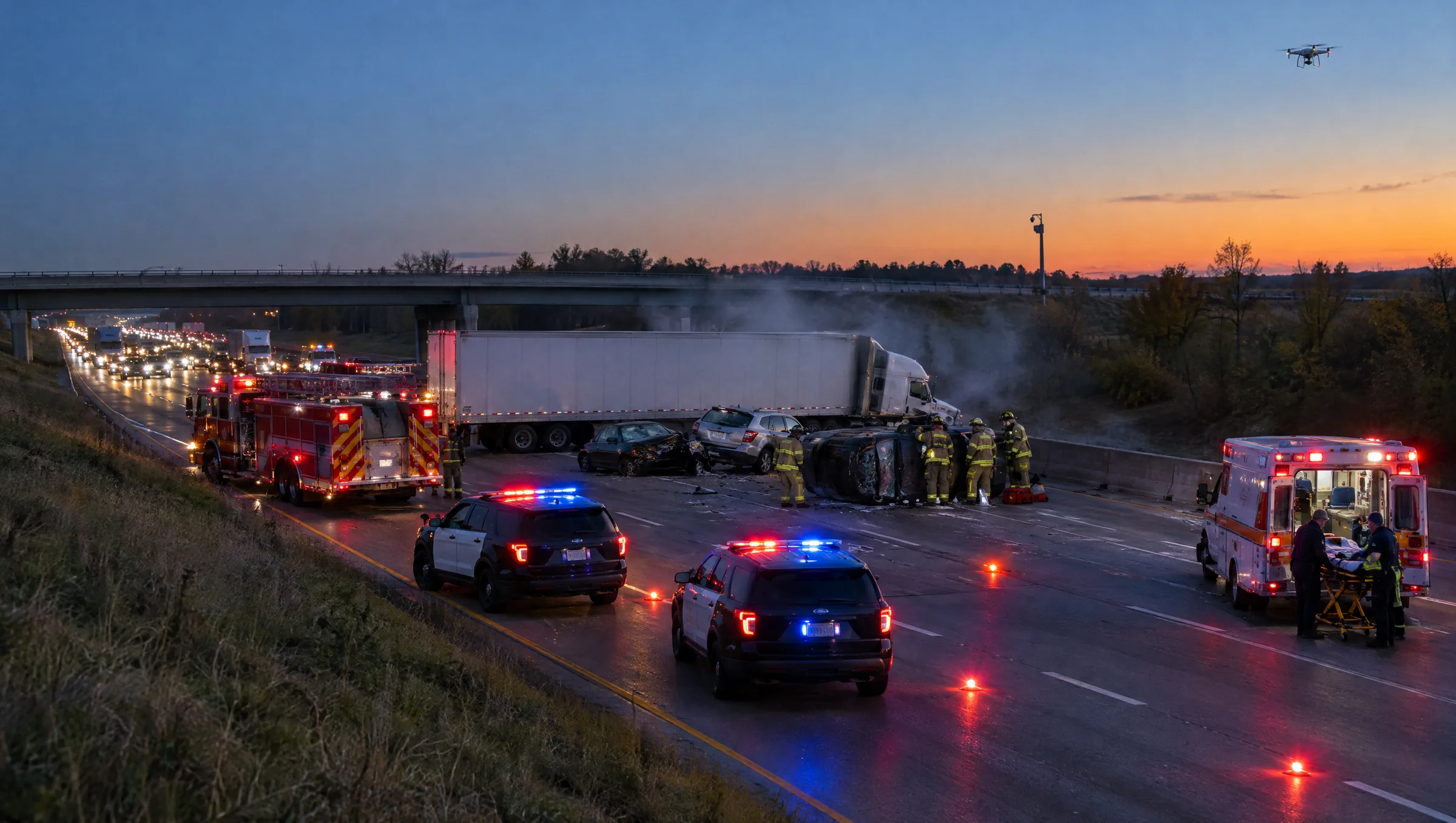
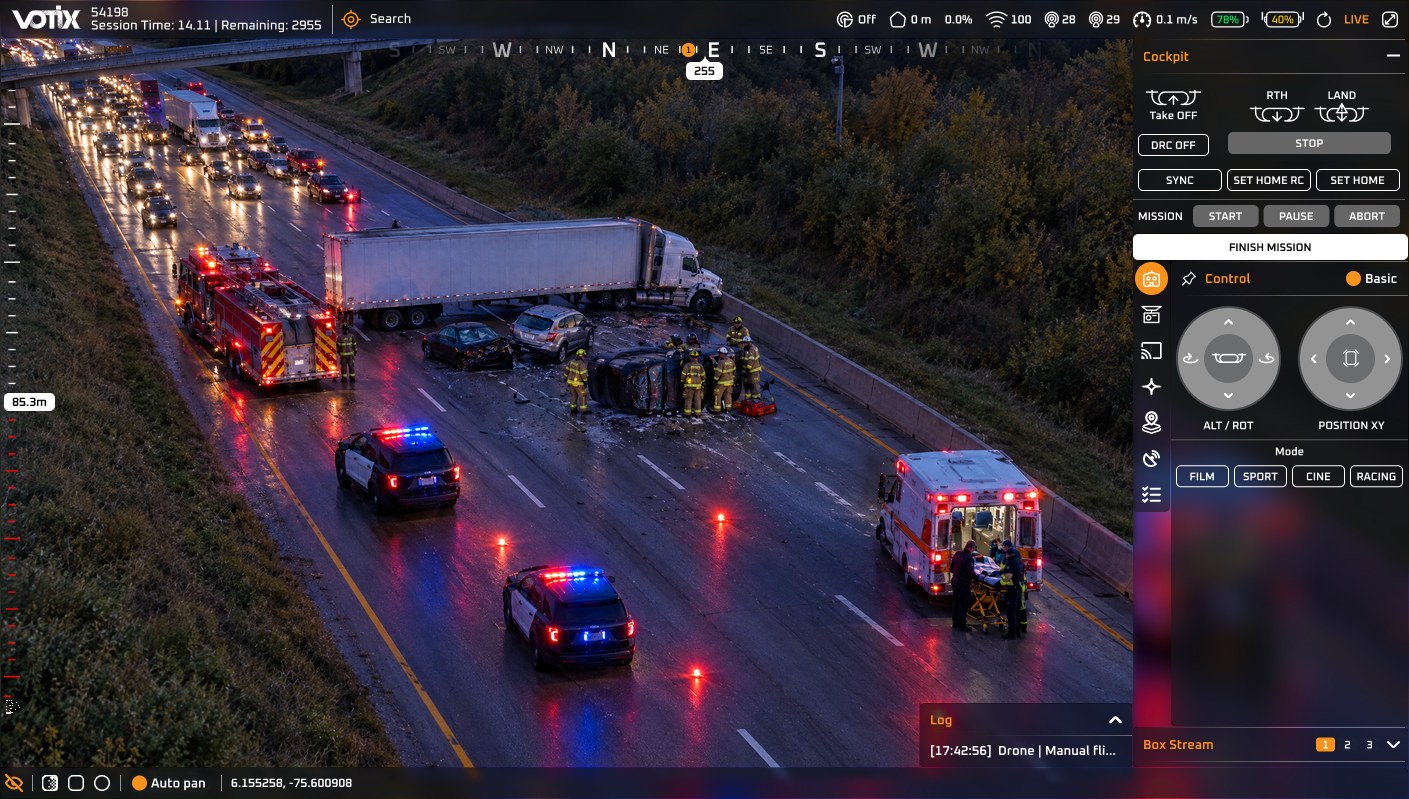
Stream is the live video layer of VOTIX. It carries the video from your drones and the cameras you already have to everyone who needs it.
Part of VOTIX
One of four products:
Stream works on its own when live video is all the operation needs. When the team needs more, the other three are already on the same login.
- Situation Rooms →
Coordinate the team around the live video.
- Stream You are here
Carry the live video in True Real-Time.
- Manage →
Run the program, the fleet, and the records.
- Fly →
Fly the drone and command the dock.
The problem
When the video is late, nobody acts on it
Something is happening now, and the people who have to decide are in different places: the video wall, a unit on the way, a client in another city.
- Without Stream:The operator waits.Someone narrates the scene instead of acting on it.With Stream: Everyone acts on the same scene.The video, not a description of it.
- Without Stream:The video wall splits.The drone on one screen, the cameras on another.With Stream: One console for every camera.The drone feed sits next to the cameras already installed.
- Without Stream:The unit on the way is blind.A late picture is not the scene they are about to walk into.With Stream: The unit sees it on the way.The same feed reaches a phone in a vehicle.
- Without Stream:The client finds out days later.They see the flight after it is over.With Stream: The client watches it live.They see the flight while it is still in the air.
The Stream difference
See it as
it happens
Be there when it matters.
Bring your team, your drones and your partners into one live view with VOTIX.
Book a Demo- See the scene as it happens.One live view, shared with everyone who needs it.
- Not seconds behindWhere many “live” tools still sit.
- No extra relay hardwareStraight to the browser.
How it works
Connect, share, keep
 Drone
 CCTV
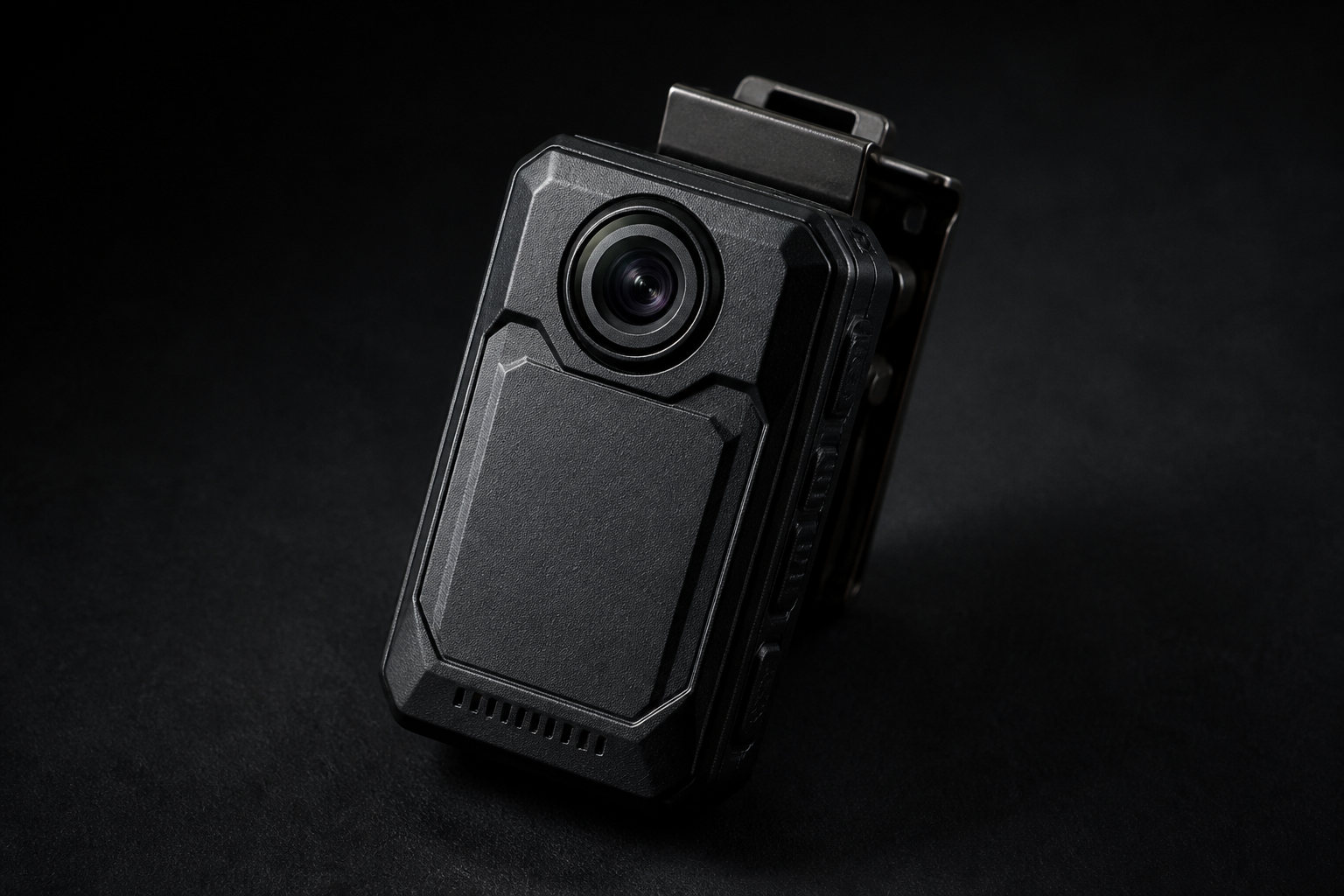 Bodycam
 PhoneOne console
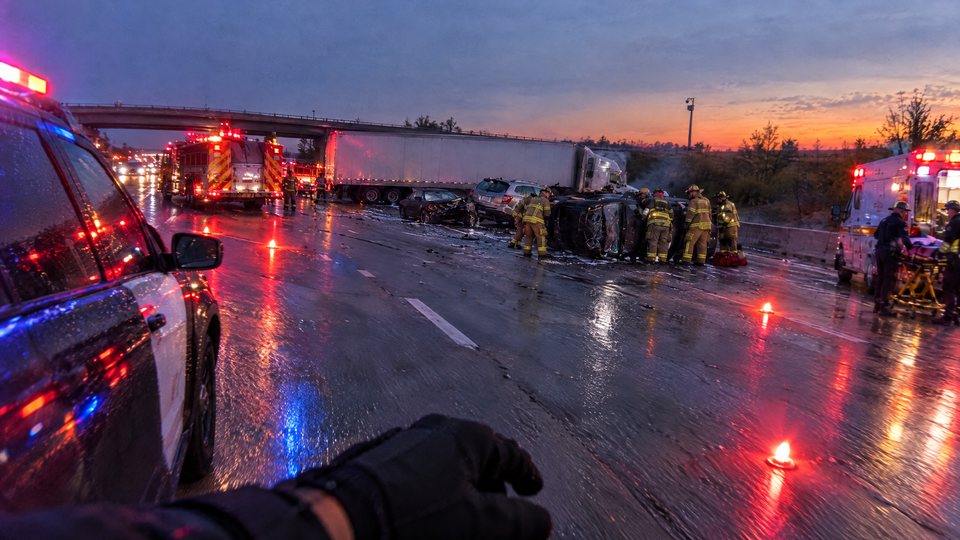
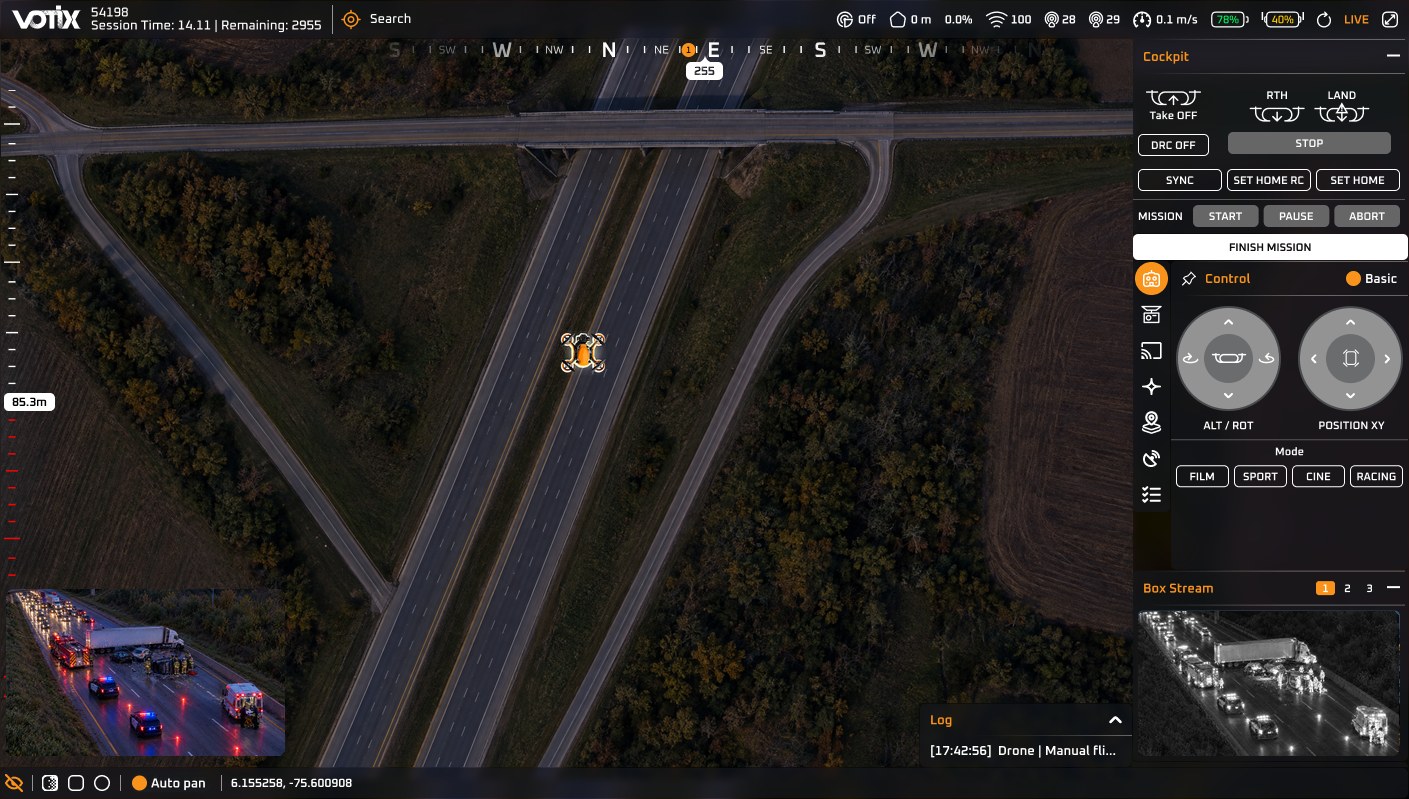
Connect your sources
Drones, CCTV, bodycams, and phones come in over RTMP, RTSP, SRT, or WebRTC.
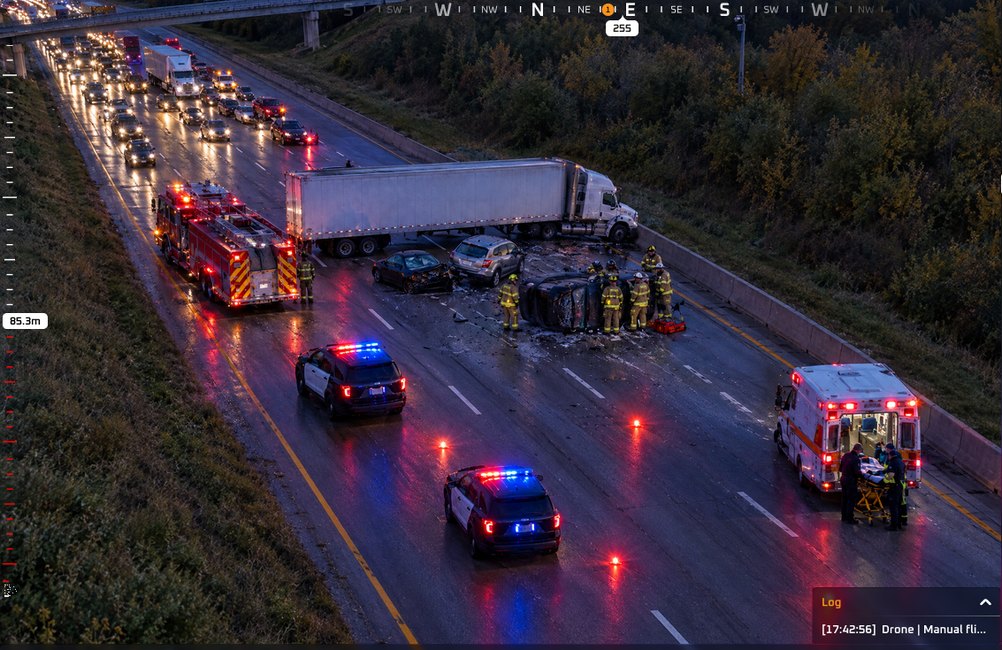
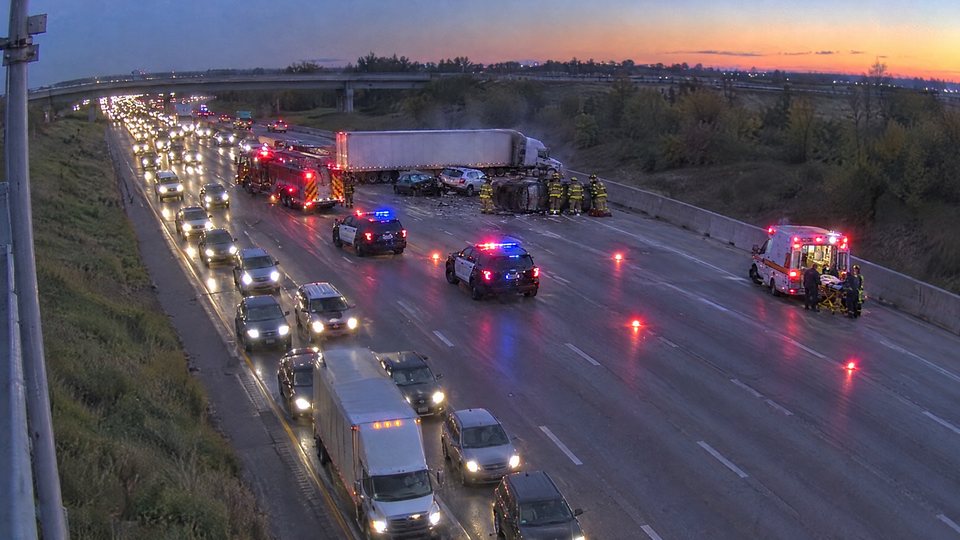
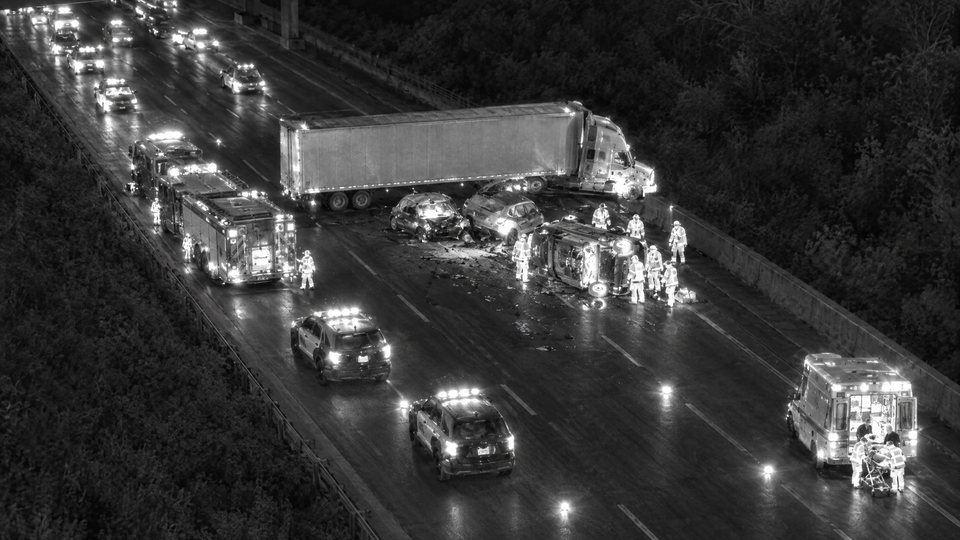
 Guest link
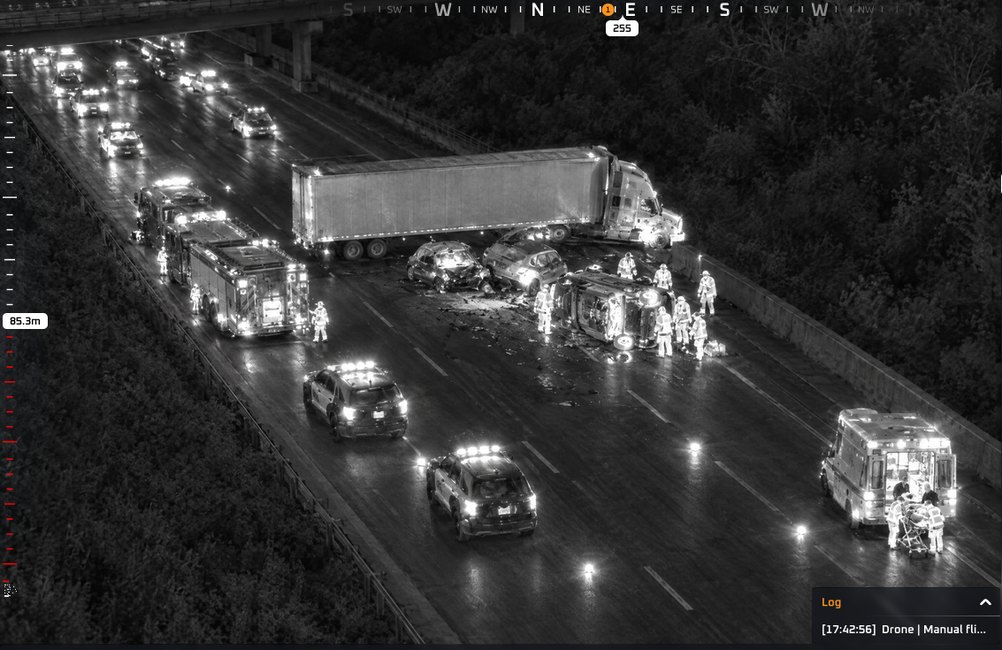
Share the live view
Viewers open a guest link. No account, no new encoder.
 REC
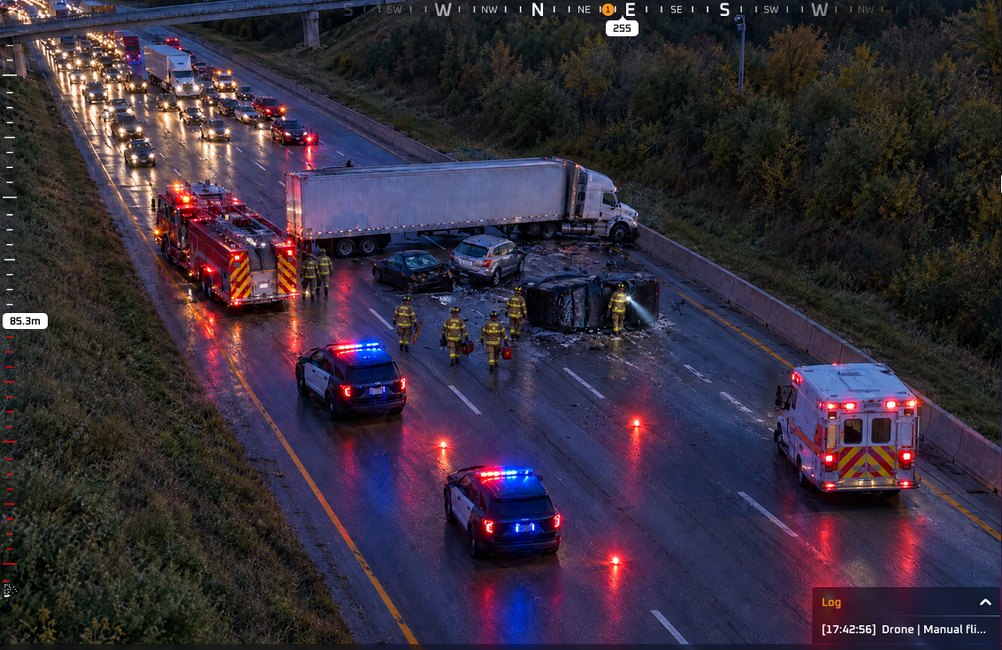
Keep every mission
Record in the cloud and replay later in Manage.
Everything in Stream
What the live video can do
Pick an area to see where it lives on screen.
Every camera, one console
- Drones, docks, CCTV, bodycams, IP cameras, and phones
- The fleet you already have keeps working
- In: RTMP, RTSP, SRT, and WebRTC
Switch cameras
- Switch between cameras 1, 2, and 3 on the same drone
- The second camera stays in view while you fly
Out and embed
- Embed by API inside a VMS, dispatch (CAD) or portal
- Push out over RTMP when it has to reach another video wall
- An administrator decides which systems can pull the feed and what each one sees
Recording and minutes
- Each recording stays tied to its mission, not a loose file
- Streaming minutes are on Profile
Want the full tour of the live video?
Max in Stream
The agent inside the operation
Ask Max
The AI agent that lives inside VOTIX. In Stream, it keeps the numbers of the live video at hand.
- Ask in the panelMax reports the streaming minutes on the plan.
Paid capability · Turned on by your organization
How many streaming minutes have we used this month?
1,240 minutes streamed across the organization this month.
Queue that as a report.
Queued. You will find it in Reports, next to the streaming minutes.
The same agent in every product
Who uses it
For the teams that can't wait for the video
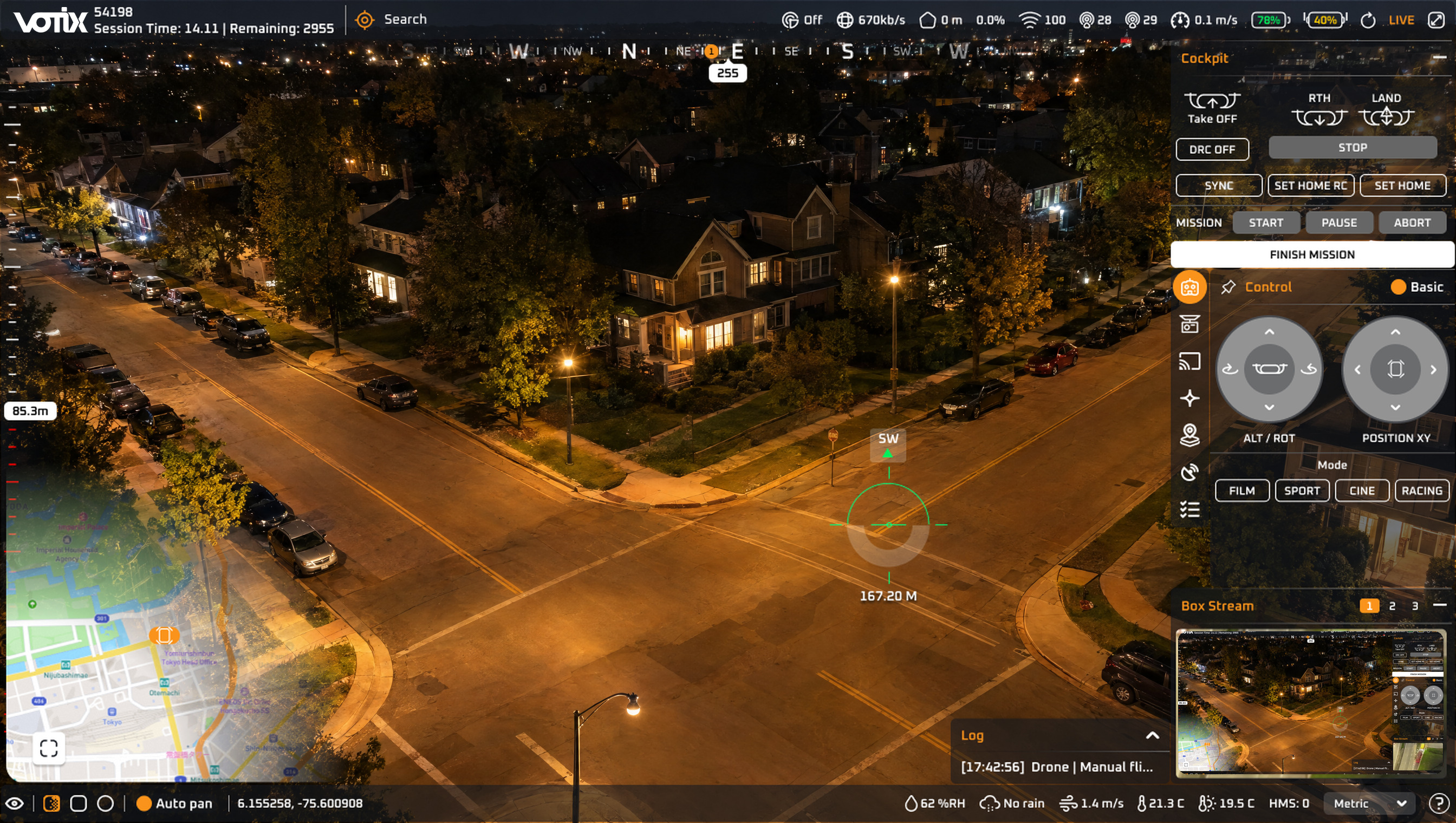
Public safety
The dock's video reaches the operations center while the call is still open.
See the use caseFor a program running docks
Every dock on one wall.
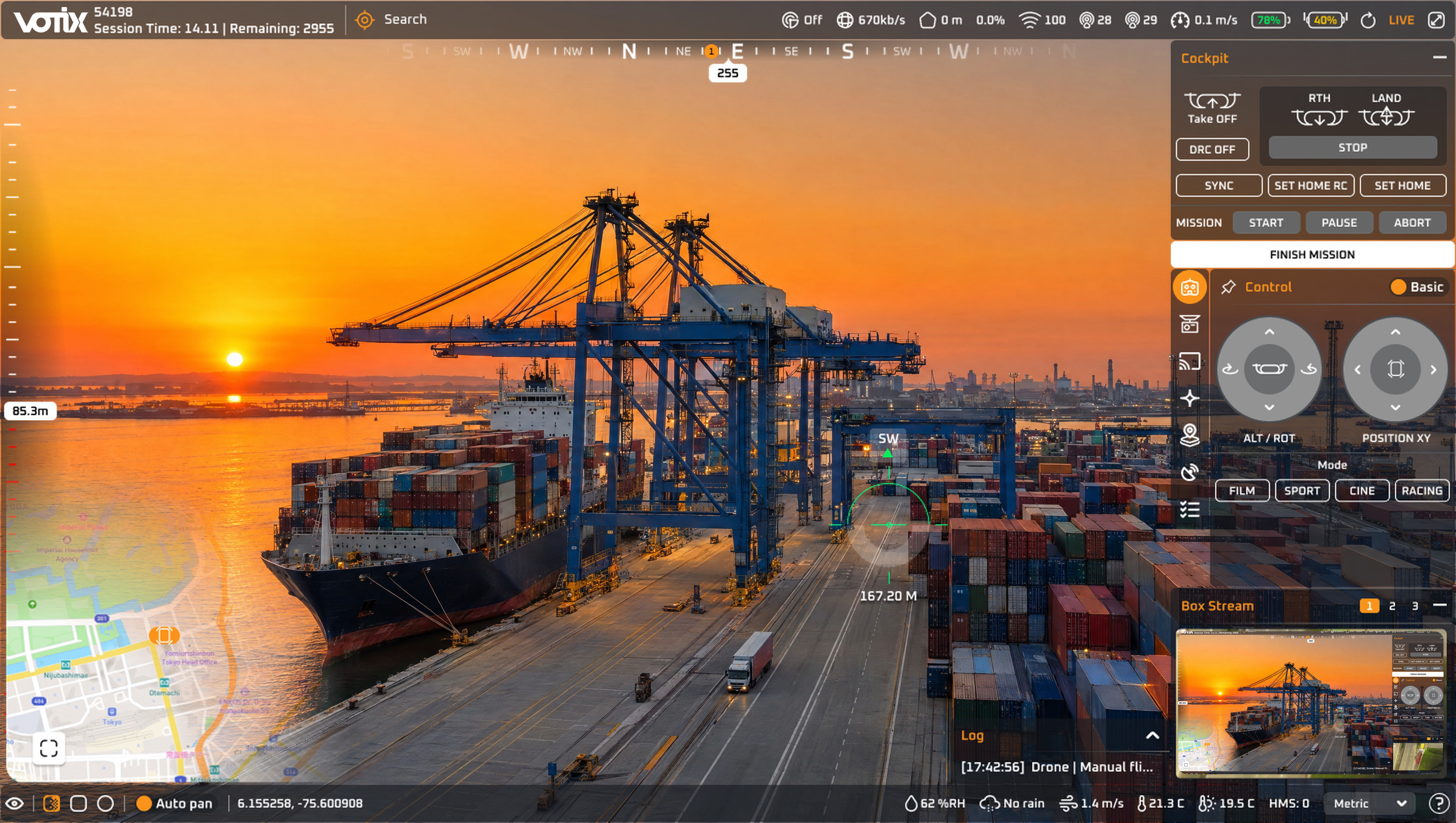
Security operations
Stream puts the drone feed inside the VMS the SOC already runs.
See the use caseIn the SOC
The operator never leaves the VMS.
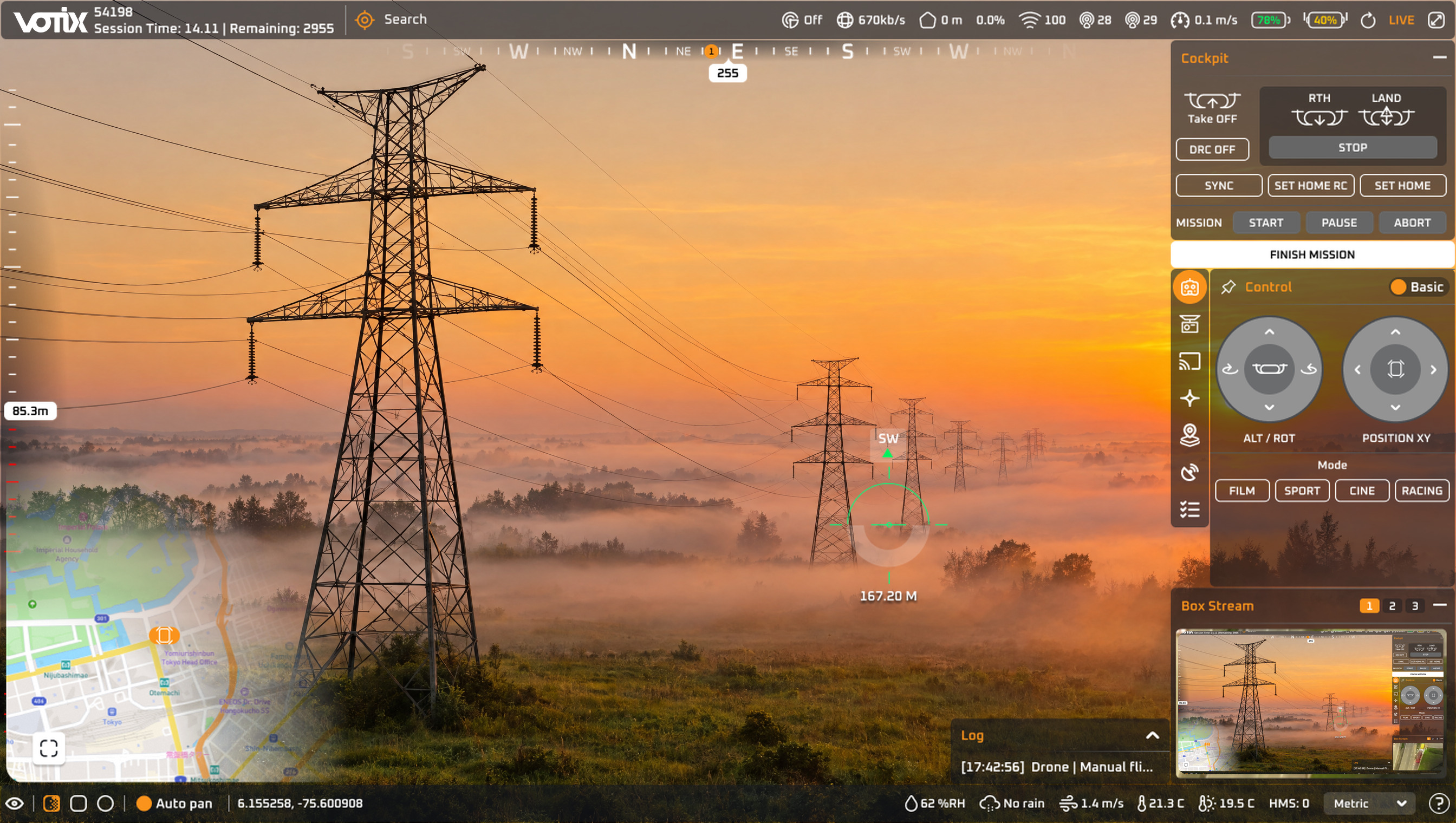
Inspections and enterprise
A specialist reviews the inspection while the drone is still up.
See the use caseRemote specialist
Follows the work without traveling to the site.